ra
Monitor Brightness
Monitor
brightness can be adjusted by pressing
the
IE
button
while
the
view
through
the
monitor
is
displayed.
Press
..
or T
to
adjust brightness
(note
that
monitor
brightness
has
no effect on
pictures taken in live view mode).
To
return
to
live
view, release
the
IE
button.
PI
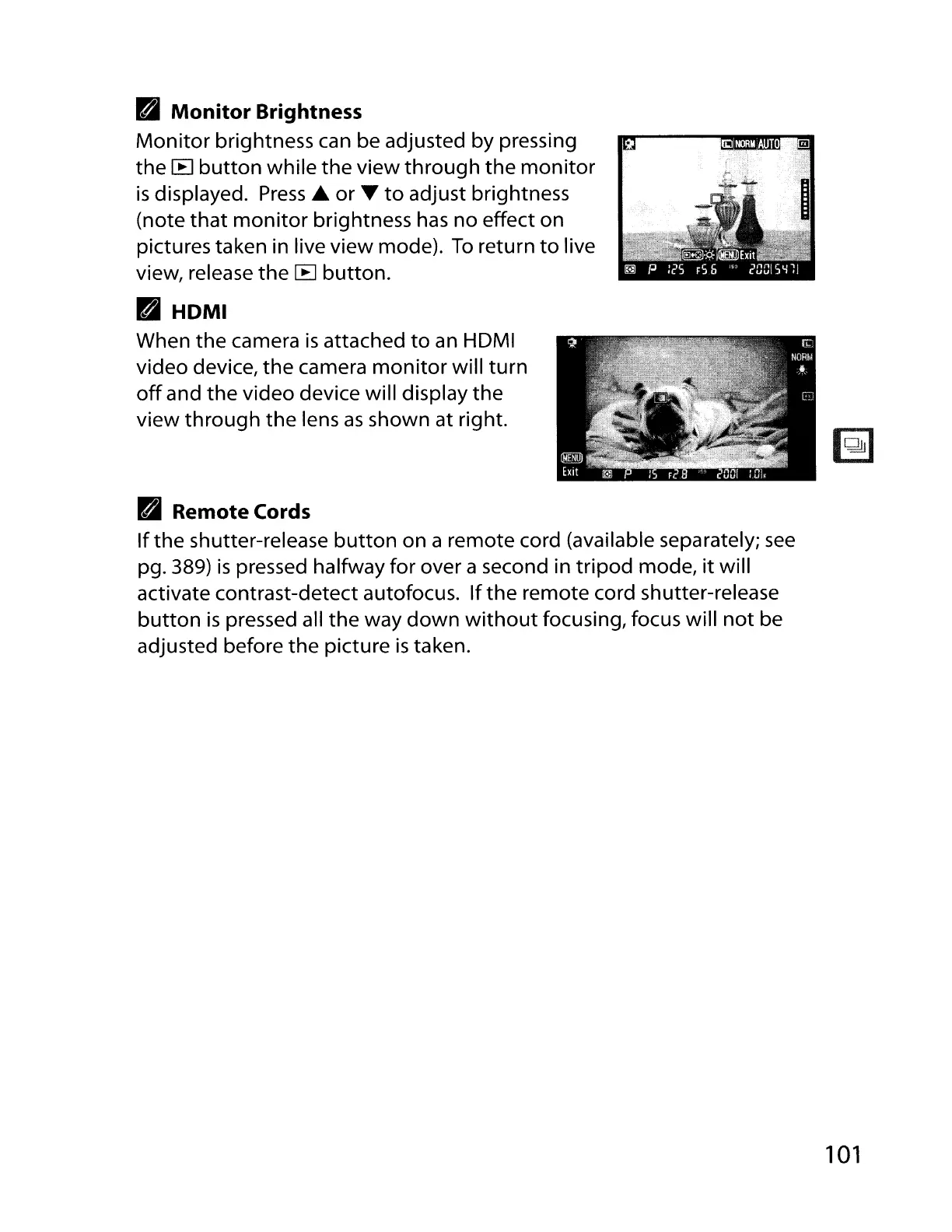
HDMI
When
the
camera
is
attached
to
an
HDMI
video device,
the
camera
monitor
will
turn
off
and the video device will display
the
view
through
the lens
as
shown at right.
PI
Remote Cords
If
the shutter-release
button
on a remote cord (available separately;
see
pg. 389)
is
pressed halfway for over a second in
tripod
mode,
it
will
activate contrast-detect autofocus.
If
the remote cord shutter-release
button
is
pressed all
the
way
down
without
focusing, focus will
not
be
adjusted before
the
picture
is
taken.
101



 To Next Page