EasyManua.ls Logo

Nikon D700 - Fine-Tuning White Balance

Nikon D700
533 pages
Print Icon
To Next Page IconTo Next Page
To Previous Page IconTo Previous Page
Loading...
Fine-Tuning
White
Balance
White balance can be IIfine
tuned
ll
to
compensate for variations in
the
color
of
the
light
source
or
to
introduce a deliberate color cast
into
an
image. White balance
is
fine
tuned
using
the
White
balance
option
in
the
shooting menu
or
by pressing
the
WB
button
and rotating
the
sub-command dial.
II
The
White
Balance
Menu
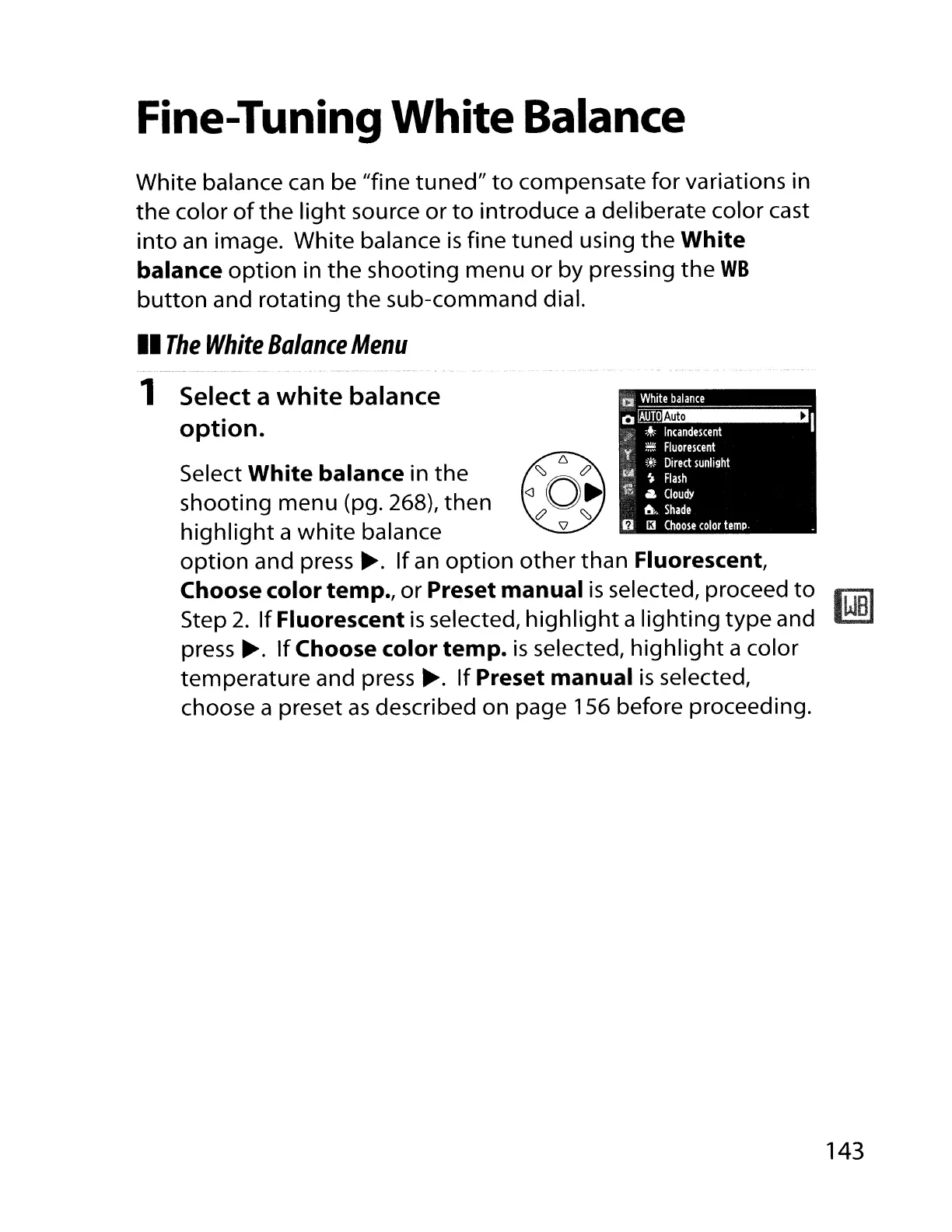
1 Select a
white
balance
option.
Select
White
balance
in
the
shooting
menu
(pg. 268),
then
highlight
a
white
balance
option
and
press~.
If
an
option
other
than Fluorescent,
Choose
color
temp.,
or
Preset
manual
is
selected, proceed
to
Step
2.
If
Fluorescent
is
selected,
highlight
a
lighting
type
and
press
~.
If
Choose
color
temp.
is
selected,
highlight
a color
temperature and
press~.
If
Preset
manual
is
selected,
choose a preset
as
described on page 156 before proceeding.
143

Table of Contents

Other manuals for Nikon D700

Related product manuals