EasyManua.ls Logo

Nikon D700 - Page 163

Nikon D700
533 pages
Print Icon
To Next Page IconTo Next Page
To Previous Page IconTo Previous Page
Loading...
4 Frame a photograph, focus, and
shoot.
Each
shot will be processed
to
create
the
number
of
copies
specified in
the
bracketing program, and each copy will have a
different
white
balance. Modifications
to
white
balance are
added
to
the
white
balance
adjustment
made
with
white
balance fine-tuning.
\//
/ I\
I[~~I
Fut
/ ISO 200[
21
,.--\_1_1_/.-_-
P
-Full-
:-l
I
~Il
I
'\'i'J:=II*'=-.
-;:-J:l-
l
1+
·······j·y·j·····\·\+1
I
~[
-2~-
NORMI
iifiA
IT\
\ I /
/ I \
/1\
/1\
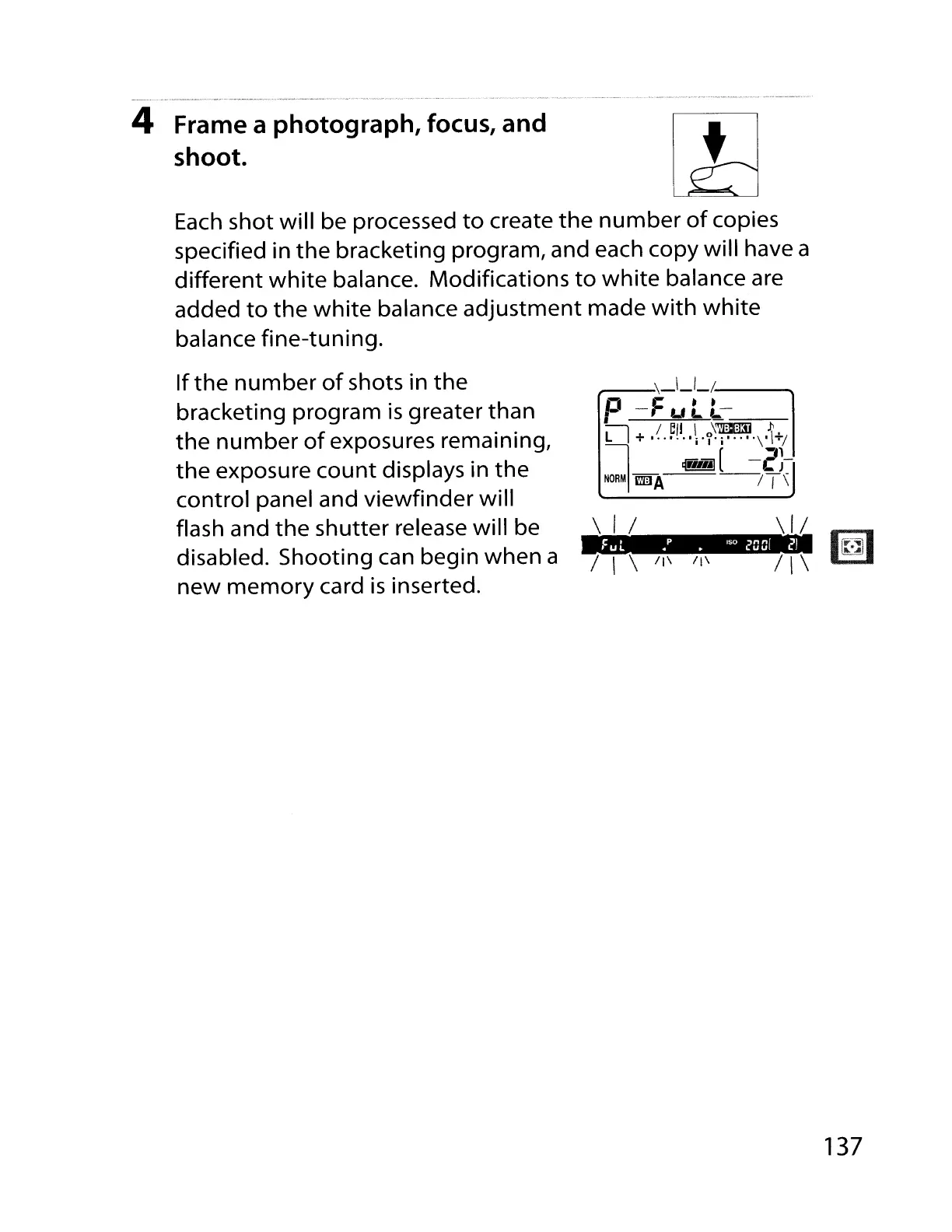
If
the
number
of
shots in
the
bracketing program
is
greater than
the
number
of
exposures remaining,
the
exposure
count
displays in
the
control panel and
viewfinder
will
flash and
the
shutter release will be
disabled. Shooting can begin when a
new
memory
card
is
inserted.
137

Table of Contents

Other manuals for Nikon D700

Related product manuals