EasyManua.ls Logo

Nikon D700 - Page 177

Nikon D700
533 pages
Print Icon
To Next Page IconTo Next Page
To Previous Page IconTo Previous Page
Loading...
Ie'S
fS,6
P
'so
200
P,.
E
\ I 1
1 I \
Viewfinder
p
Ie'S
FS.6
I
I
1>
\ I
1/
~P,-E
T
l'im
rl-ITpREI
'--------/-1)'
Control panel
,.
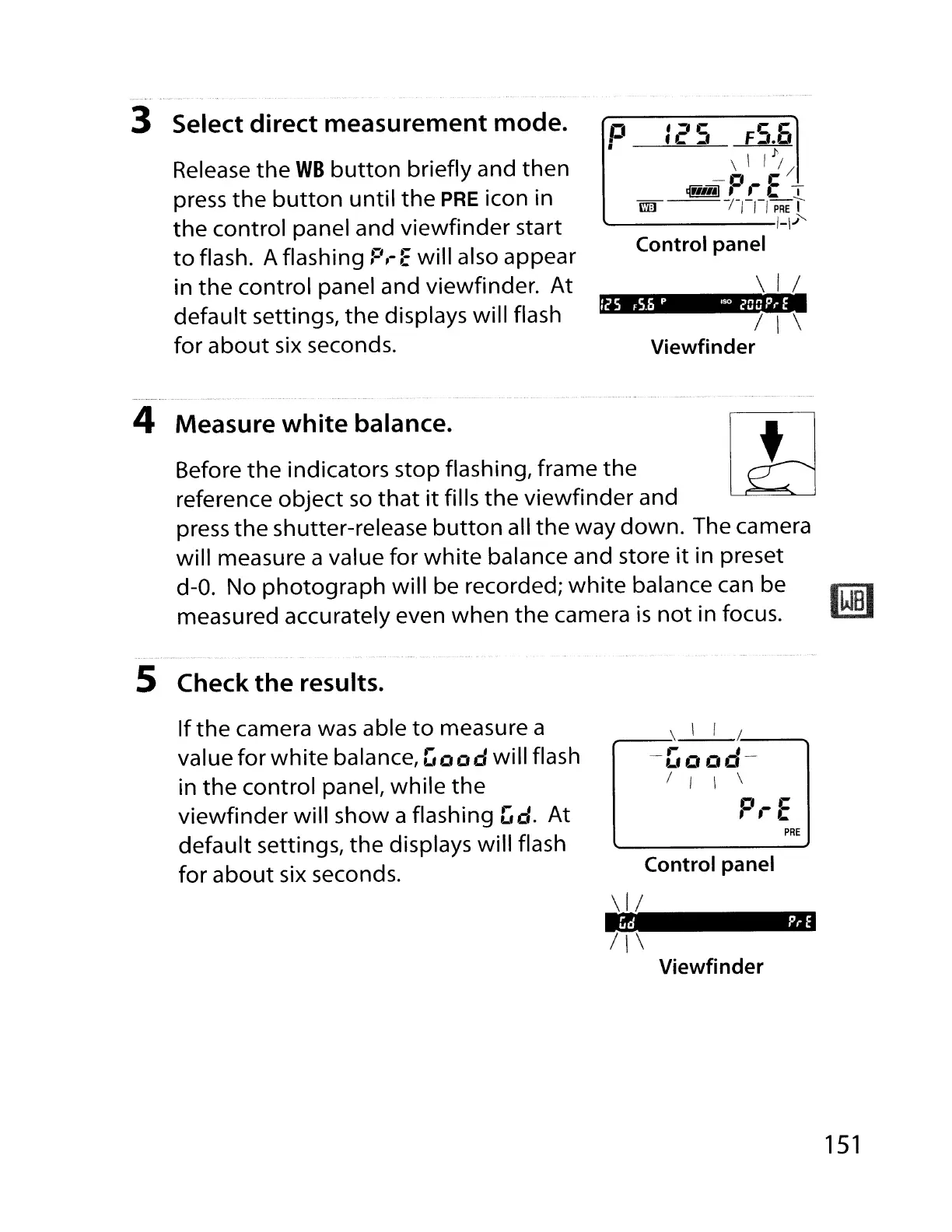
3 Select
direct
measurement
mode.
Release
the
WB
button
briefly and
then
press
the
button
until
the
PRE
icon in
the
control panel and viewfinder start
to
flash. A flashing
F',-
Ewill also appear
in
the
control panel and viewfinder.
At
default settings,
the
displays will flash
for
about
six seconds.
4 Measure
white
balance.
Before
the
indicators stop flashing, frame
the
reference
object
so
that
it
fills
the
viewfinder and
press
the
shutter-release
button
all
the
way
down.
The camera
will measure a value for
white
balance and store
it
in preset
d-O.
No
photograph
will be recorded;
white
balance can be
measured accurately even when
the
camera
is
not
in focus.
5 Check
the
results.
If
the
camera was able
to
measure a
value for
white
balance,
Good
will flash
in
the
control panel, while
the
viewfinder
will show a flashing
['d.
At
default settings,
the
displays will flash
for
about
six seconds.
;-_~
\ I
/.'
_
-Good--
I I \ \
D.-C
, ,
~
PRE
Control panel
Gd
P,.
E
\11
1\\
Viewfinder
151

Table of Contents

Other manuals for Nikon D700

Related product manuals