cusrOM
.
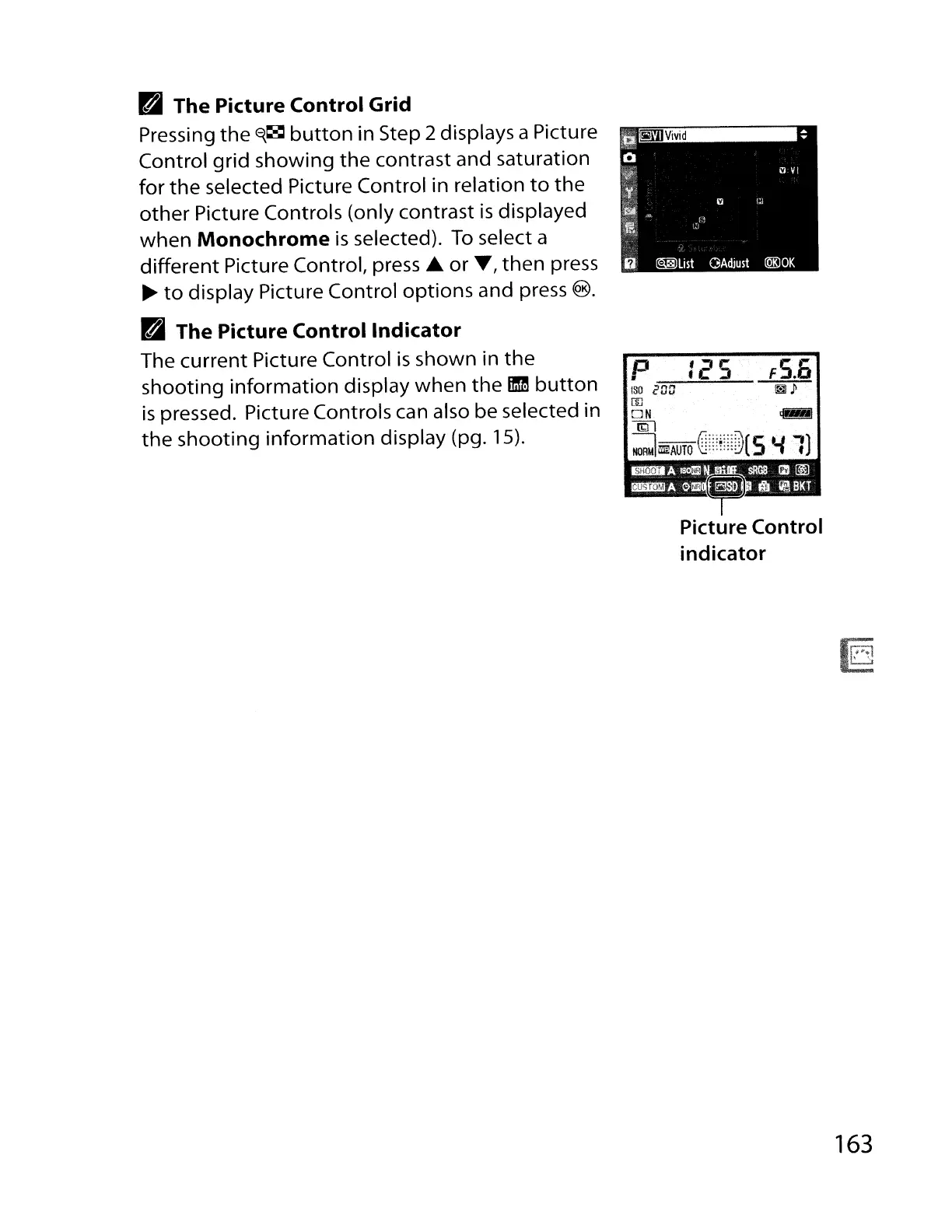
B The Picture Control Grid
Pressing
the
E{~
button
in Step 2 displays a Picture
Control
grid
showing the contrast and saturation
for
the
selected Picture Control in relation
to
the
other
Picture Controls (only contrast
is
displayed
when Monochrome
is
selected).
To
select a
different Picture Control, press
..
or
'Y, then press
~
to
display Picture Control options and press
@).
B The Picture
Control
Indicator
The current Picture Control
is
shown in
the
shooting
information
display
when
the
mm
button
is
pressed. Picture Controls can also be selected in
the
shooting
information
display (pg. 15).
Picture Control
indicator
163



 To Next Page