·a
Monochrome
o
Sharpening
".
Contrast
:i:
l'
Brightness
til
.~
Filter
effects
C!m
~'~
~
f1
~Grid
lQK)OK
(i)Reset
B Filter Effects (Monochrome Only)
The options in this menu simulate
the
effect
of
color filters on
monochrome
photographs. The
following
filter effects are available:
Option
···r
Description
'''Yf
yeTrow·
-rE~·h~·~~-~~~~~~t~ast.Can
be
used
to
tone
down
the
brightness-
--r-······-·-··-----!
o I
Orange!
of
the
sky
in
landscape
photographs.
Orange
produces
more
R
T-""Red
."j
contrast
than
yellow, red more
contrast
than
orange.
--··-1·
..
····----·-··../-··········-·····-····_ -
__
..
. -
..-..
..
_~J_~!~~~_j
..
?_C'.!te~~~.~i.~
tones._~~~_~~.~~_~~!?~port~~it.s
.
Note
that
the
effects achieved
with
Filter effects are more pronounced
than those produced
by
physical glass filters.
BI
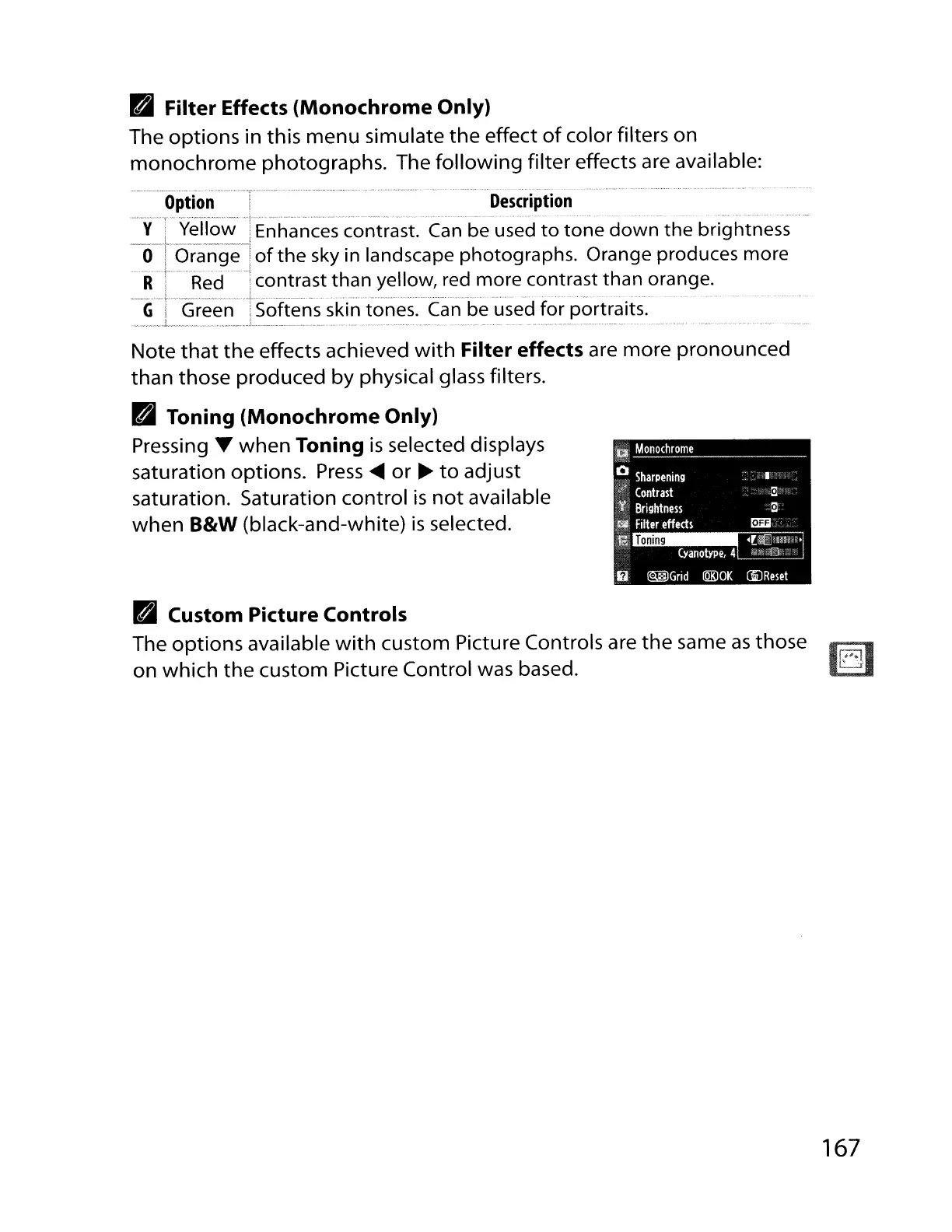
Toning (Monochrome Only)
Pressing
T
when
Toning
is
selected displays
saturation options.
Press
....
or
~
to
adjust
saturation. Saturation control
is
not
available
when
B&W
(black-and-white)
is
selected.
BI
Custom Picture Controls
The
options
available
with
custom Picture Controls are
the
same
as
those
on
which
the
custom Picture Control was based.
167



 To Next Page