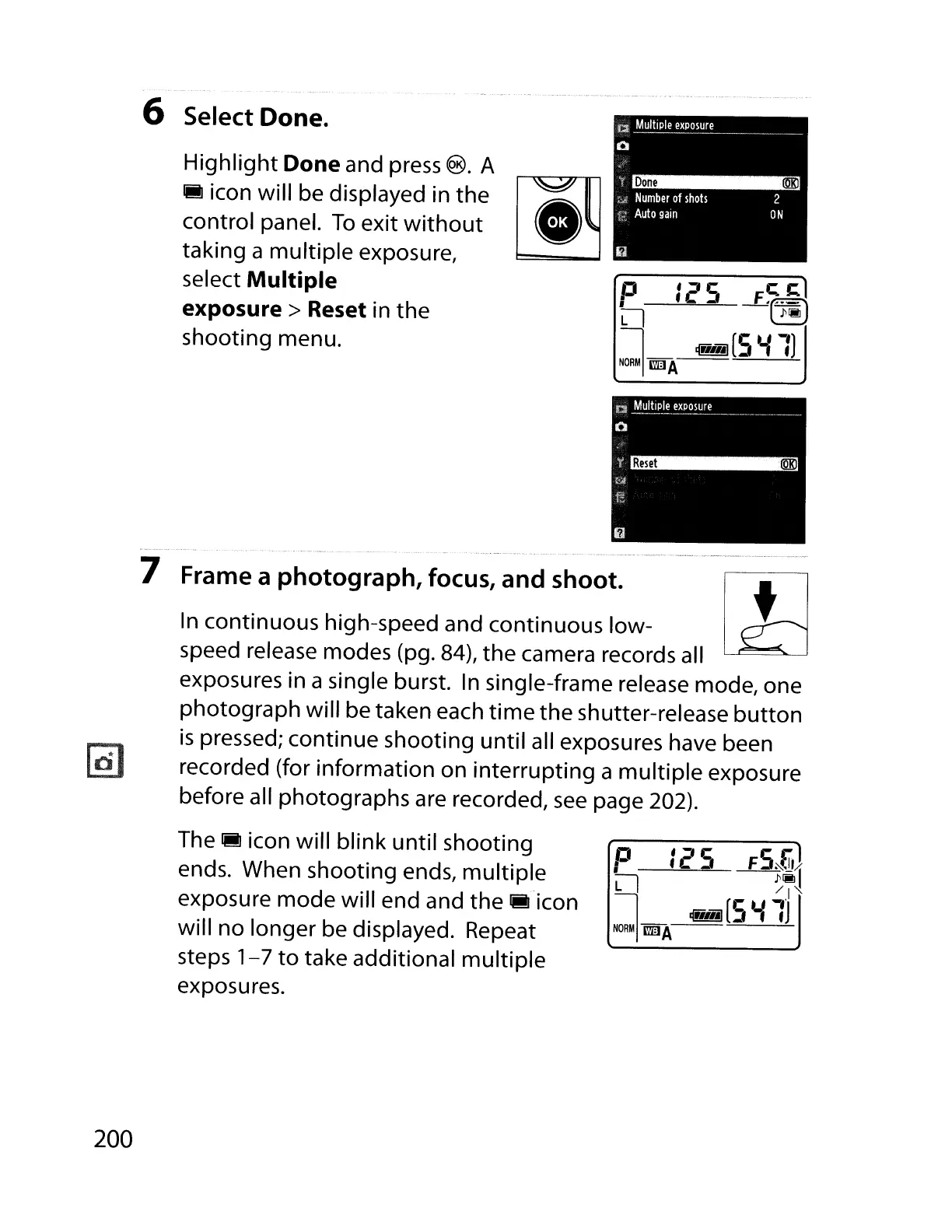
6 Select Done.
Highlight Done and press
®.
A
1M
icon will be displayed in the
control panel.
To
exit
without
taking a multiple exposure,
select
Multiple
exposure> Reset
in the
shooting menu.
...
_.-
7 Frame a photograph,focus,
and
shoot.
1-
tl
In
continuous high-speed and continuous low-
~
speed release modes (pg. 84), the camera records all
exposures in a single burst.
In
single-frame release mode, one
photograph will be taken each
time
the shutter-release
button
is
pressed; continue shooting until all exposures have been
recorded (for information on interrupting a multiple exposure
before all photographs are recorded,
see
page 202).
200
The
1M
icon will blink until shooting
ends. When shooting ends,
multiple
exposure mode will end and the
~-icon
will no longer be displayed. Repeat
steps
1-7
to
take additional multiple
exposures.



 To Next Page