EasyManua.ls Logo

Nikon D700 - Page 230

Nikon D700
533 pages
Print Icon
To Next Page IconTo Next Page
To Previous Page IconTo Previous Page
Loading...
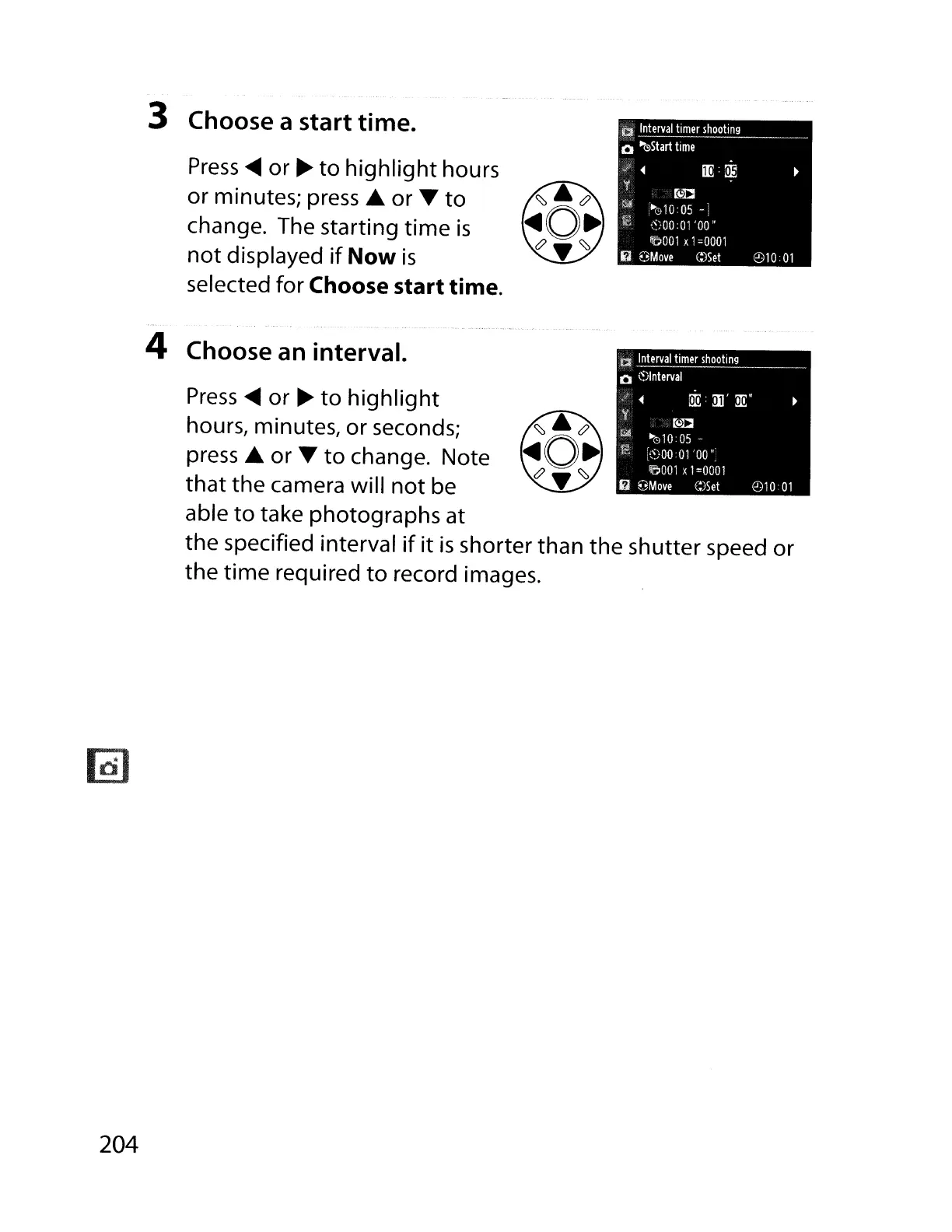
3 Choose a start time.
Press
~
or
~
to
highlight
hours
or minutes;
press'"
or
...
to
change. The starting
time
is
not
displayed
if
Now
is
selected for Choose start time.
a
Interval
timer
shooting
Q
~(!)Start
time
M:l
»1I~010:05
-
~~}OO
:01
'00"
/iGl001
x
1=0001
6
8Move
C:)Set
'2)1001
'2)10
01
'(
a
Interval
timer
shooting
Q
t~)lnterval
~
rw:
:il1':!E
"
~D
~
·01005-
f
k~)OOOl
'00
",
fr:;J001
, 1
=0001
~
8Move
C:)Set
4 Choose an interval.
Press
~
or
~
to
highlight
hours, minutes, or seconds;
press'"
or
...
to
change. Note
that
the camera will
not
be
able
to
take photographs at
the specified interval
if
it
is
shorter than the shutter speed or
the
time
required
to
record images.
204

Table of Contents

Other manuals for Nikon D700

Related product manuals