b5: Center-Weighted Area
_~.
. .._
.•.
__
..
~
'~."'.h
. . •
--....,.,.
--.-.
__
"_~
When calculating exposure,
center-·------········Opiion-·
------.---
weighted metering assigns
the
greatest
--(:j8-·--f---ifnl"m----------·-
._-_._---~
weight
to
a circle in
the
center
of
the frame.
(->12
~
12
mm (default)
The diameter
(<I»
of
this circle can be set
to
·T~H5-~1-:smn,.----·------
8,
12,
15,
or 20
mm
or
to
the average
of
the
-(-)2tr~-20
mm----------------
entire fra me
.-'·>AvgAverage'··_·
.-
-----
..
---
..
Note
that
unless Average
is
selected, the diameter
is
fixed at
12
mm
when a non-CPU lens
is
used, regardless
of
the setting
selected for Non-CPU lens data in
the
setup menu (pg. 210).
When Average
is
selected, the average
of
the
entire frame will be
used for
both
CPU
and non-CPU lenses.
b6: Fine Tune Optimal Exposure
._--
Use
this
option
to
fine-tune
the
exposure value selected by the
camera. Exposure can be fine tuned separately for each metering
method by from
+1
to
-1
EV
in steps
of
1/
6
EV.
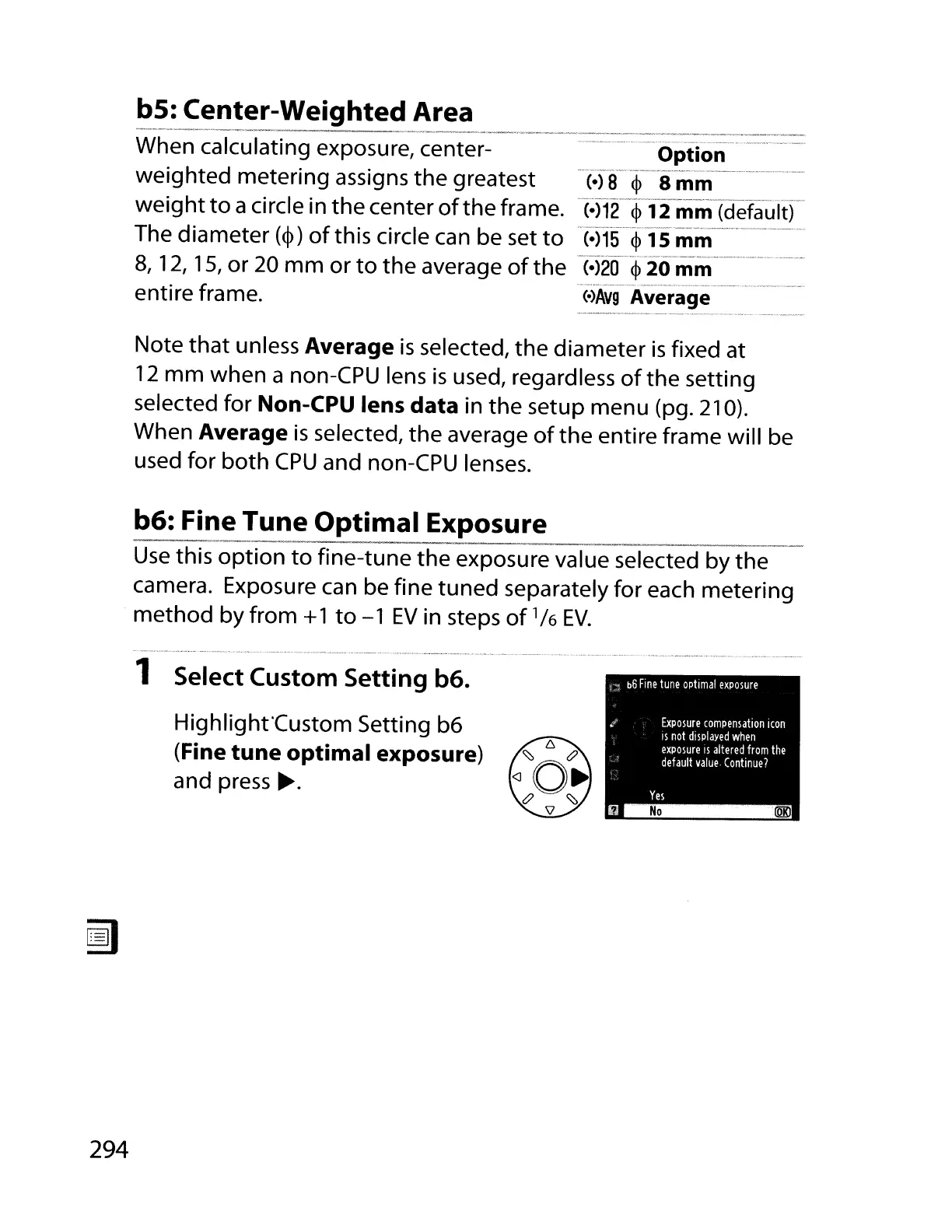
1 Select Custom Setting b6.
Highlight'Custom Setting b6
(Fine tune optimal exposure)
and
press~.
294



 To Next Page