Format
Memory
Card
-~y=---
...
-~...,
....
_
...
~_.~._.
__
..
__
..
_,....,.~
._
..
_--~
..
-
...
"",,,,,.-_._~,,,~-->,,._,,,,,,,,,,,,,-_._-~_
...
---~'.-,----
-
._._.--~--_.~.-..._-
¥"--'~----'--"'Y""--=
Format the card. Note
that
formatting permanently deletes
all
pictures
and
otherdata on the card. Before formatting, be sure
to
make backup copies
as
required.
~
During Formatting
Do
not
turn the camera
off
or
remove memorycards during formatting.
II
Two-Button Format
Memory cards
can
also
be
formatted
by pressing
the
~
(illJ
and
MODE)
buttons
for
about
two
seconds
(pg. 43).
LCD
Brightness
_.-_
........
'~_".
__
._¥
•.
_~
.. ..
~
-,
~~
.
__
•
__
~
__
~
M_~_.N~
~
__
~_--.~_~"._"
.....
m'~h_'.
,_,,~,_~._.
__
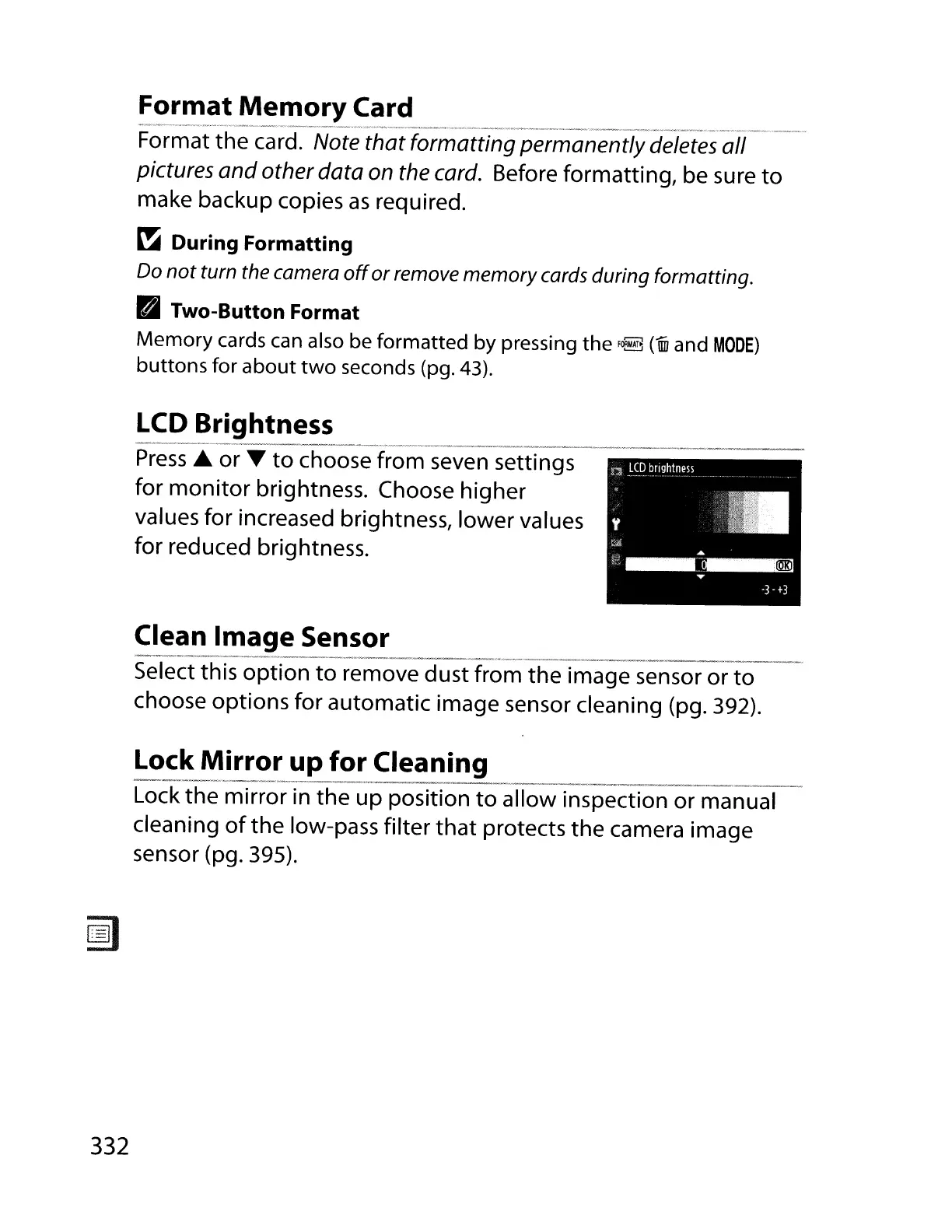
Press
..
or T
to
choose from seven settings
for
monitor
brightness. Choose higher
values for increased brightness, lower values
for reduced brightness.
Clean Image Sensor
-_
..
_---_.
_
..
_----_..
-_.
__
._-
Select this option
to
remove dust from the image sensor or
to
choose options for automatic image sensor cleaning (pg. 392).
Lock
Mirror
up
for Cleaning
-_.--._-----_.
- .
------
- .
Lock the mirror in the up position
to
allow inspection or manual
cleaning
of
the low-pass filter
that
protects the camera image
sensor (pg. 395).
332



 To Next Page