GPS
Adjust settings for connection
to
a
GPS
unit
(pg. 213).
Virtual Horizon
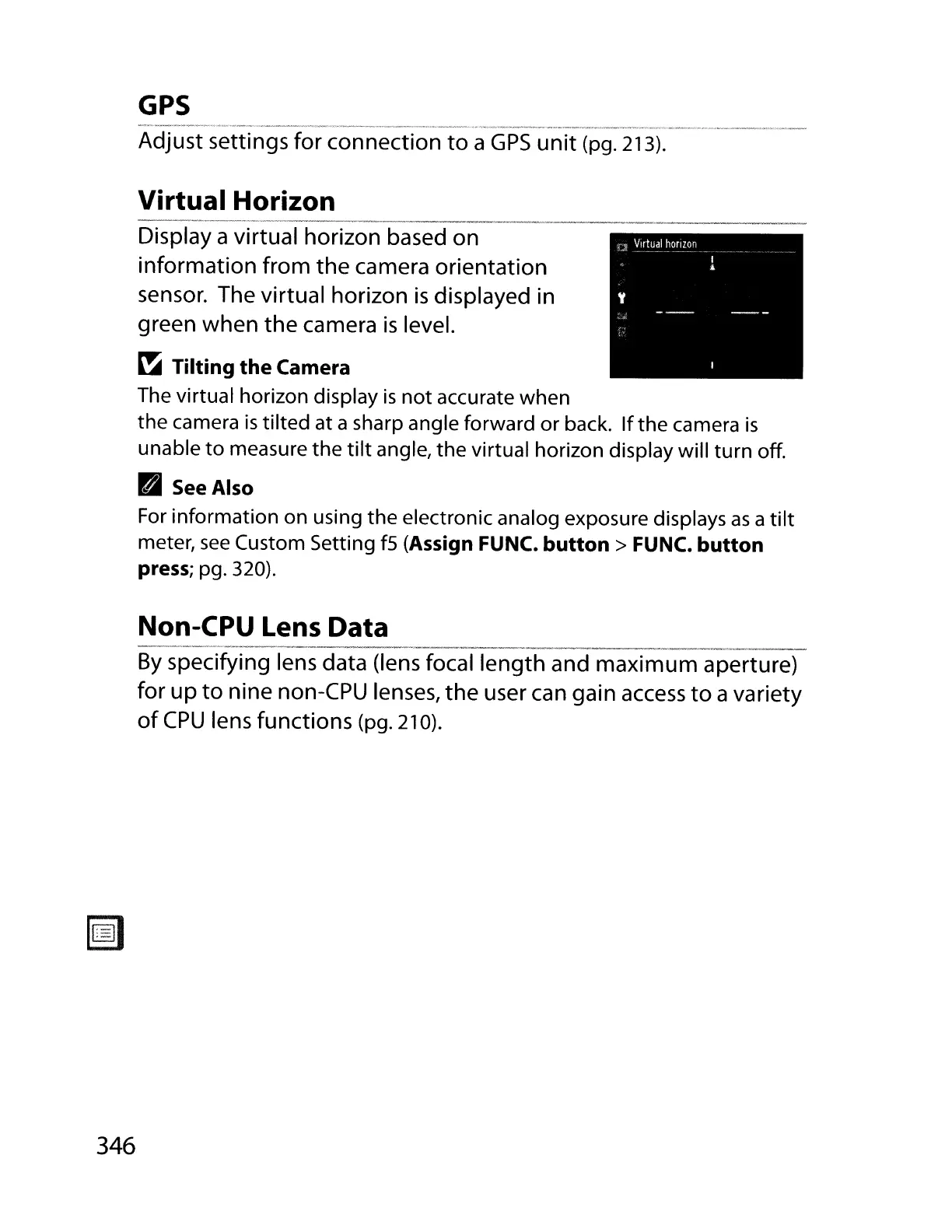
Display a virtual horizon based on
information from the camera orientation
sensor. The virtual horizon
is
displayed in
green when the camera
is
level.
~
Tilting
the
Camera
The virtual horizon display
is
not
accurate when
the
camera
is
tilted at a sharp angle forward or back.
If
the
camera
is
unable
to
measure the
tilt
angle, the virtual horizon display will turn off.
D See Also
For
information on using
the
electronic analog exposure displays
as
a
tilt
meter,
see
Custom Setting
fS
(Assign FUNC.
button>
FUNC.
button
press;
pg. 320).
Non-CPU Lens Data
__
.
__
,_._~",
'
__
•·
~A~·.
,
~_'A
'_,_y,
_
By
specifying lens data (lens focal length and maximum aperture)
for
up
to
nine non-CPU lenses, the user can gain
access
to
avariety
of
CPU
lens functions (pg. 210).
346



 To Next Page