Copying P:idurest08.Computer
IJ
Turn
the
camera on.
Windows
Vista: If
an
AutoPlay dialog
is
displayed, click
Copy
pictures
to
a
folder
on
my
computer
using
Nikon
Transfer
to
start Nikon Transfer. To skip
the
AutoPlay dialog in future, select Always
do
this
for
this
device
before
cl
icking the
/I
copy pictu
res
..."
option.
Windows
XP:
If
an
AutoPlay dialog
is
displayed, select
Nikon
Transfer
Copy
pictures
to
a
folder
on
my
computer
and click OK
to
start Nikon Transfer.
To
skip
the
AutoPlay dialog in future, select
Always
use
this
program
for
this
action
before clicking OK.
Macintosh:
Nikon Transfer will start automatically
if
Yes
was selected in the Auto-Launch setting dialog
when Nikon Transfer was first installed.
II
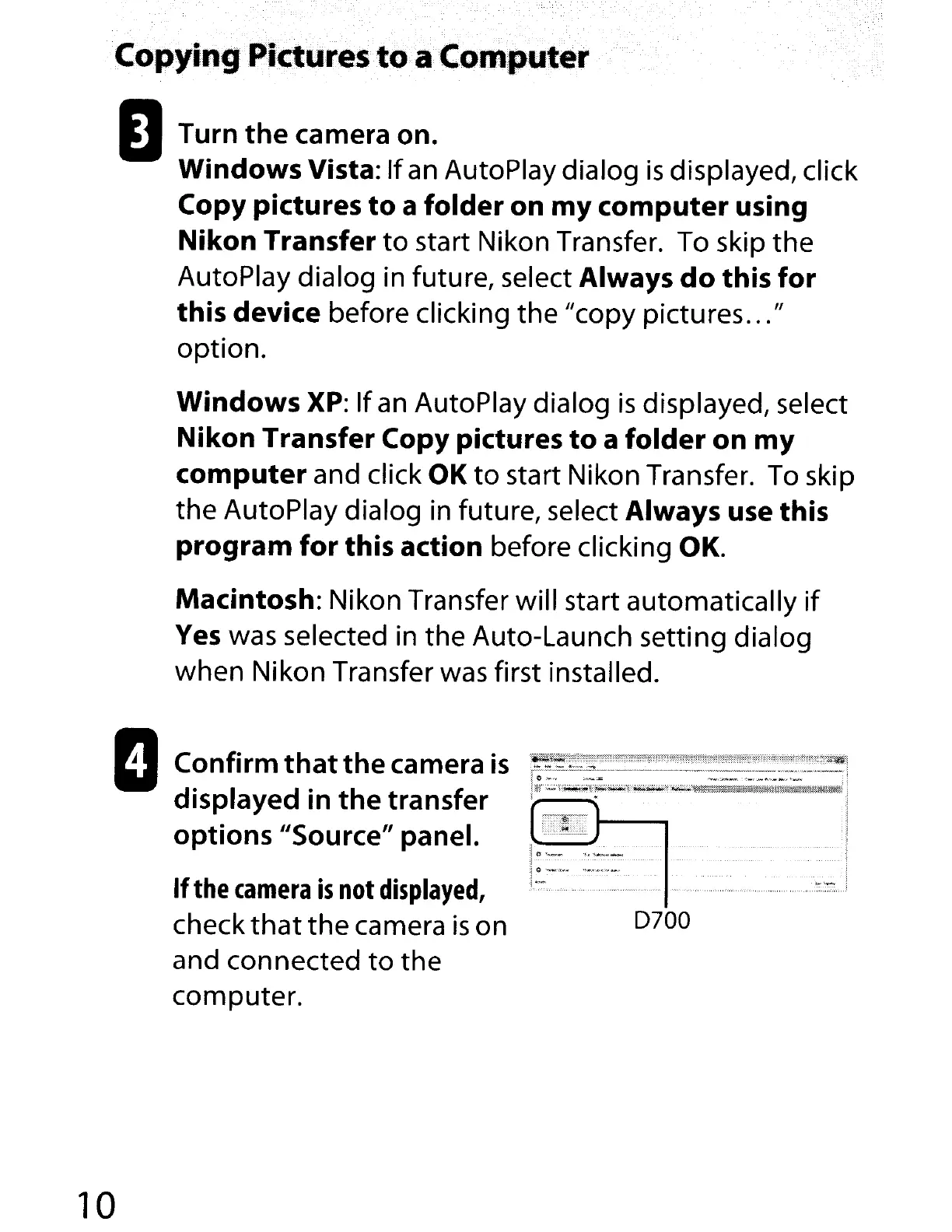
Confirm
thatthe
camera
is
displayed in
the
transfer
options
"Source" panel.
If
the
camera
is
not
displayed,
check
that
the
camera
is
on
and connected
to
the
computer.
10
10-
__
I
.jO
._<:0.
"'_""'~-""'''''''
J
..
':-:.'-.-.-.,
..
-.-
·
..
_
·.·
..
N
••
.-.'.·
••
•••
•••
-.-.-.-.
D700



 To Next Page