ViewNX
can
be used
to
sort photographs, convert images
to
different file formats, and perform simple editing on
NEF
(RAW)
photographs.
3
----t
1
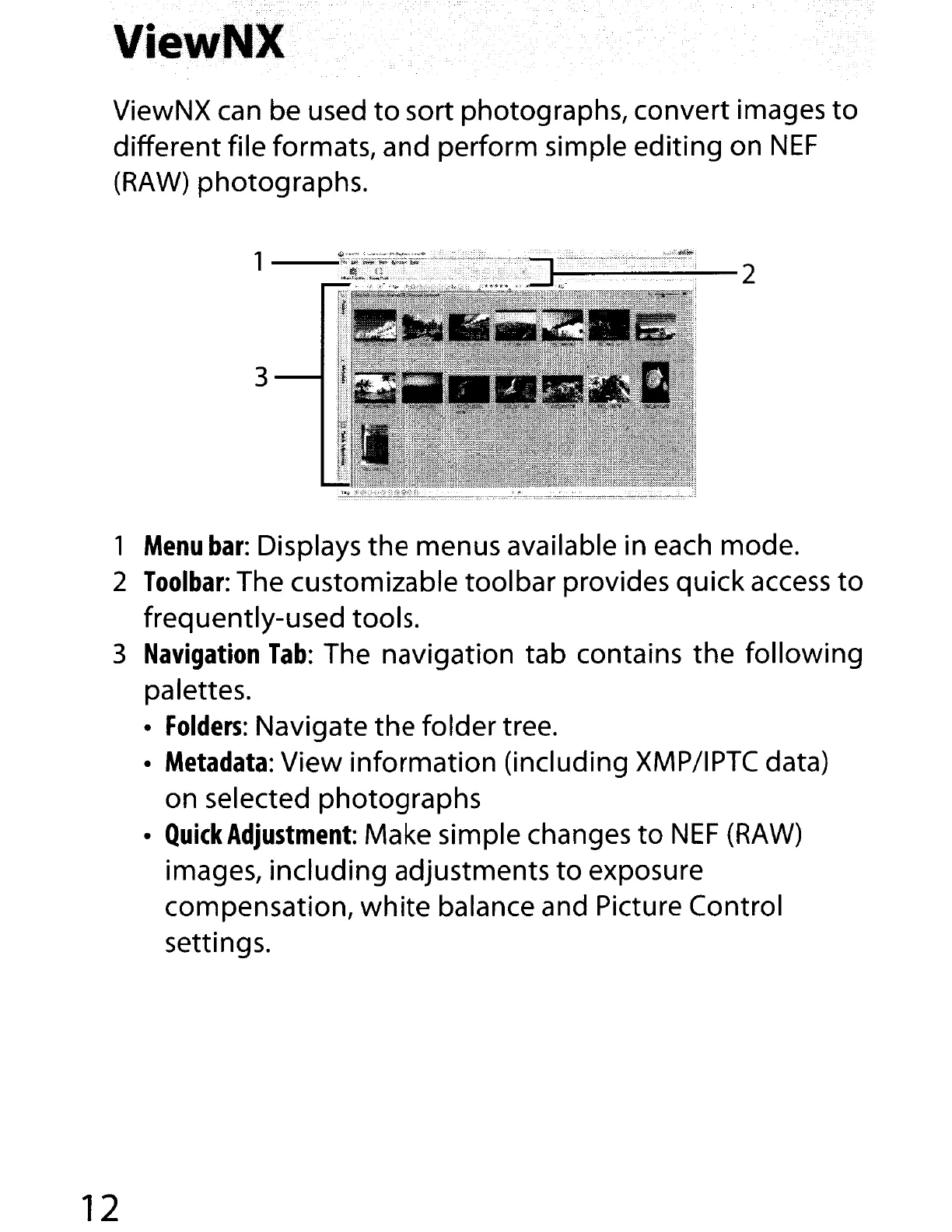
Menu
bar:
Displays the menus available in each mode.
2
Toolbar:
The customizable toolbar provides quick
access
to
frequently-used tools.
3
Navigation
Tab:
The navigation tab contains the following
palettes.
•
Folders:
Navigate the folder tree.
•
Metadata:
View information (including
XMP/IPTC
data)
on selected photographs
•
Quick
Adjustment:
Make simple changes
to
NEF
(RAW)
images, including adjustments
to
exposure
compensation,
white
balance and Picture Control
settings.
12



 To Next Page