.-
--
-1
'"'
/'
\.
~~~;;:--~
Deleting Unwanted Phot09@Phs
To
delete the photograph currently displayed in the monitor, press
the
"fifJ
button. Note that photographs
can
not
be recovered once
deleted.
I-r-I
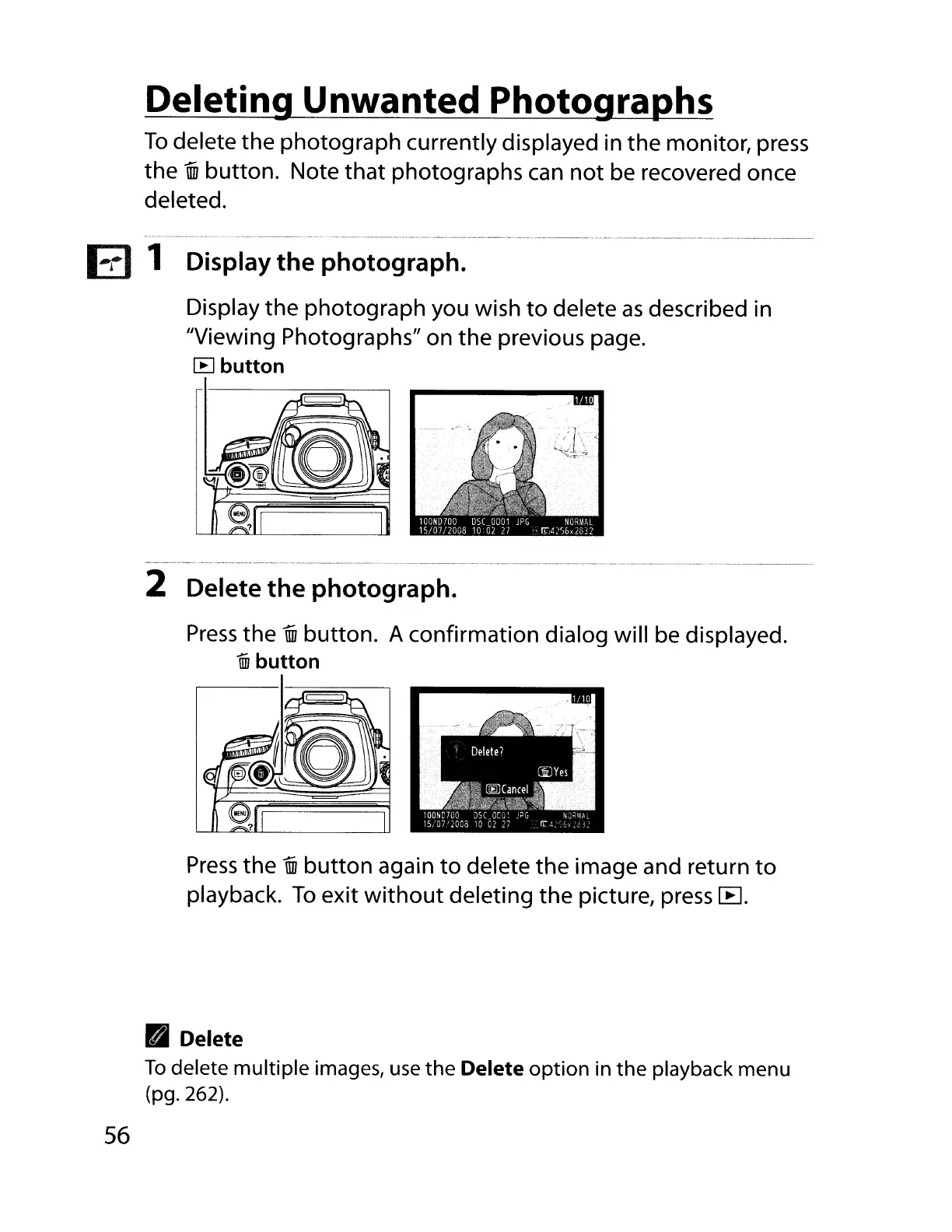
1 Display the photograph.
Display the photograph you wish
to
delete
as
described in
"Viewing Photographs" on the previous page.
[B
button
2 Delete the photograph.
Press
the
"fifJ
button. A confirmation dialog will be displayed.
un
button
Press
the
"fifJ
button
again
to
delete
the
image and return
to
playback.
To
exit
without
deleting the picture, press
[B
.
• Delete
To
delete multiple images,
use
the
Delete
option
in
the
playback menu
(pg.262).
56



 To Next Page