.NETWORK. VI Basic Operations
4 Using the DS-L1 via a Network
- 90 -
Opening a WEB screen
1) Launch either Internet Explorer or Netscape Communicator on your computer.
2) Enter the IP address of the DS-L1 in the URL address field.
(Example: http://192.168.10.2/)
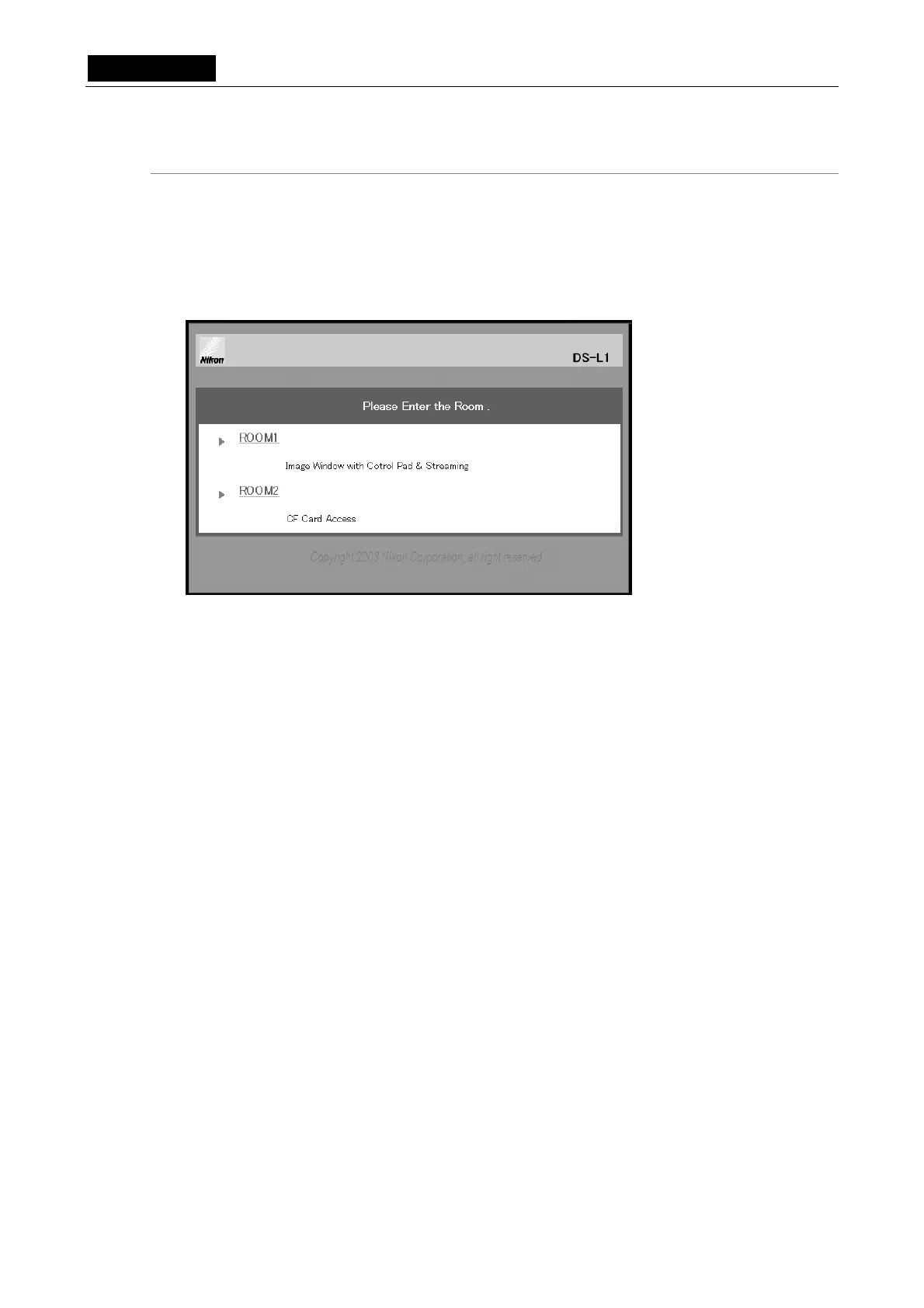
The Entrance screen of the DS-L1 will appear.
3) Click either ROOM1 or ROOM2.
ROOM1 and ROOM2 are explained in more detail in the subsequent pages.
Click either ROOM1 or
ROOM2.













 To Next Page