VI Basic Operations NETWORK
4 Using the DS-L1 via a Network
- 91 -
Using ROOM1
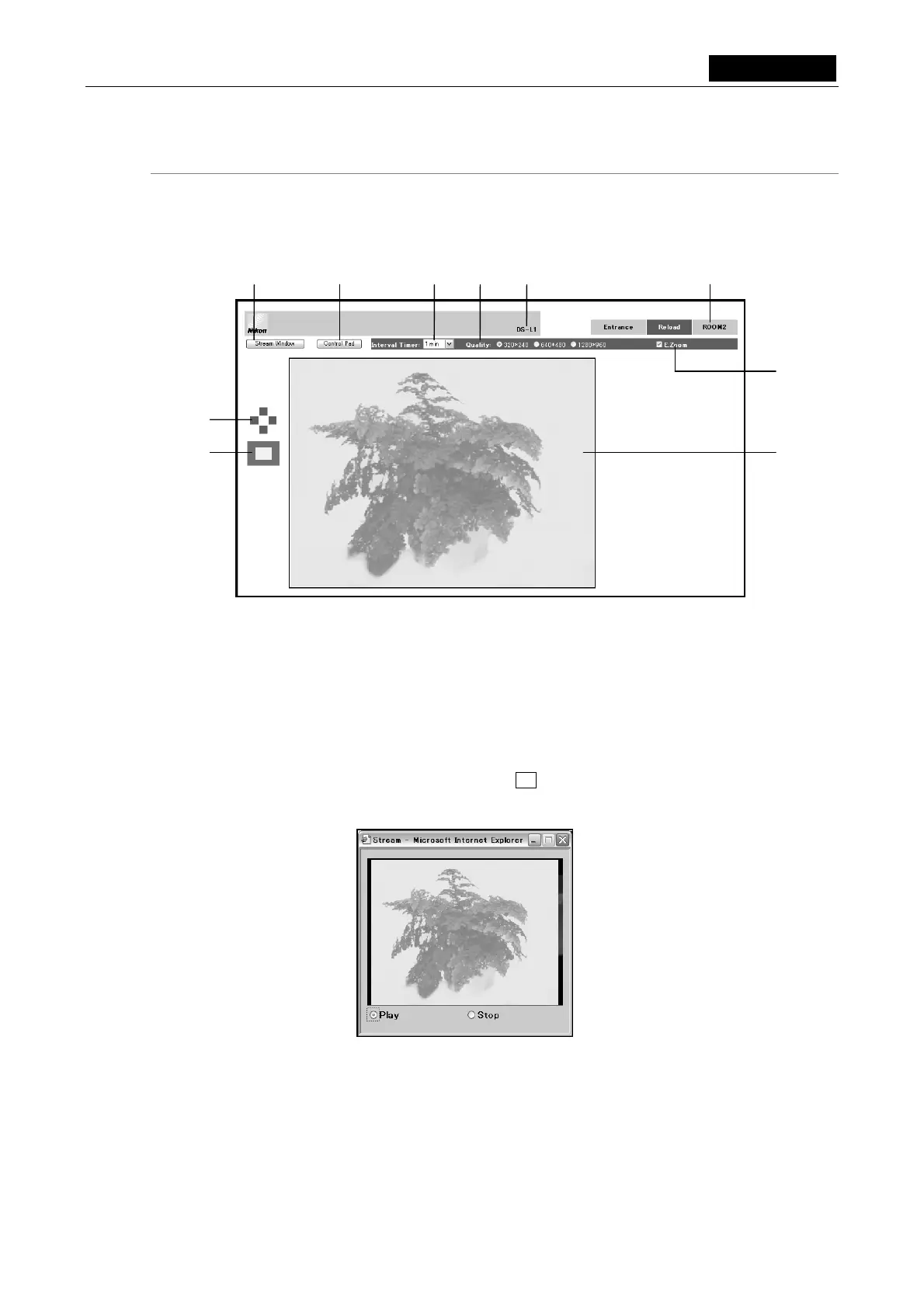
ROOM1 allows you to observe the image that is being shot by the DS-L1 at specified intervals,
while at the same time capturing images onto the PC or displaying a stream window. You also
can control the DS-L1 main unit from this screen.
(1) Tabs
Entrance: Returns you to the Entrance screen.
Reload: Redisplays the ROOM1 screen, with the preview image updated.
ROOM2: Displays the ROOM2 screen.
(2) Stream Window
Displays a stream image subwindow, in which a still picture is successively displayed as a
stream image. To close this window, click the x button at the upper right corner.
This window is automatically closed when you go to another screen (Entrance or ROOM2).
• Method for displaying a live image
Click the Play radio button to display a live image.
Click the Stop radio button to stop displaying a live image.
(3) (4) (5) (9) (1) (2)
(7)
(8)
(10)
(6)













 To Next Page