106
2
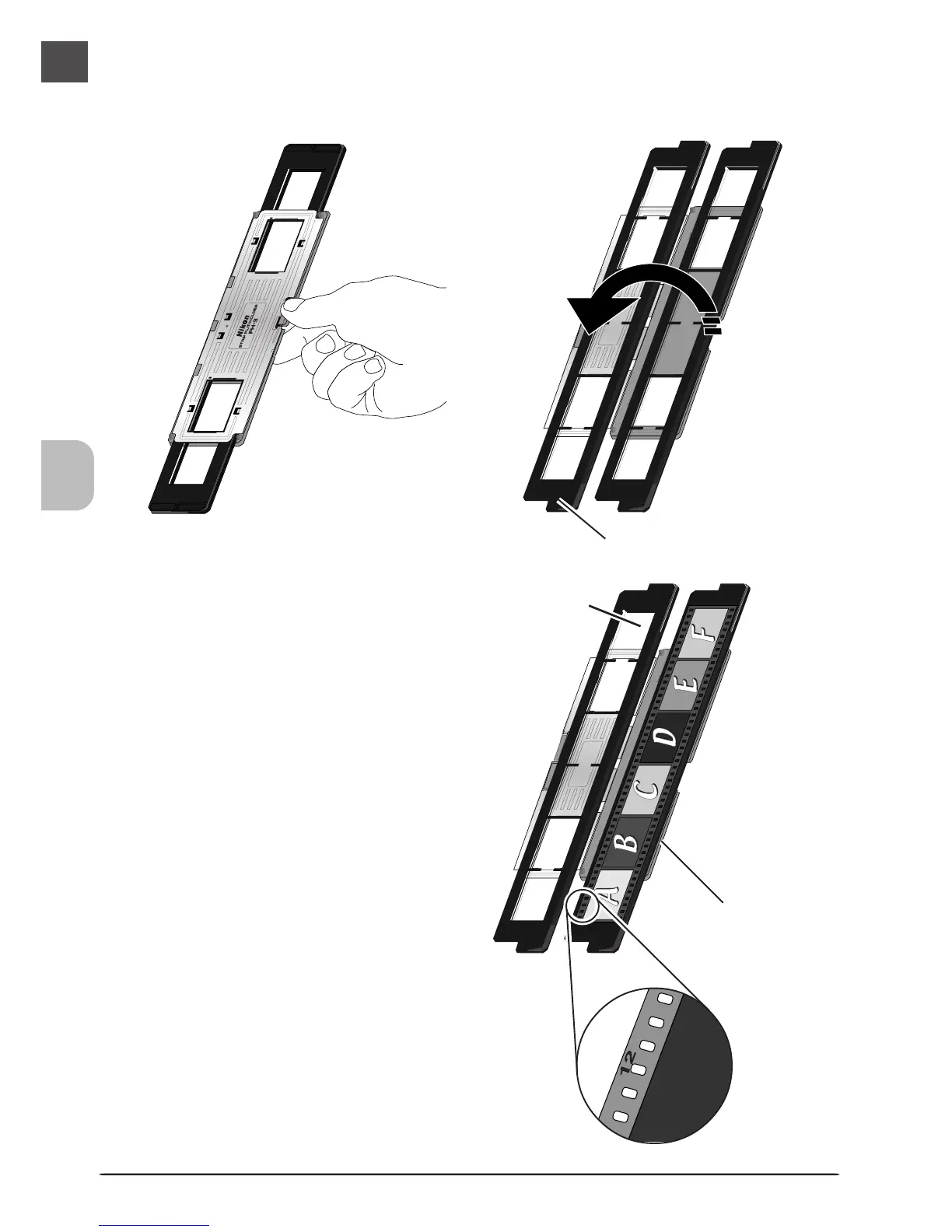
Unlatch the holder snaps and flip the
upper holder open.
Upper holder
3
Place a strip of film in the lower por-
tion of the holder, aligning each
frame with an aperture in the lower
holder. The shiny surface of the film
should face up (the emulsion surface
should face down), so that the frame
numbers are not reversed.
Aperture
Lower holder
Frame number












 To Next Page