124
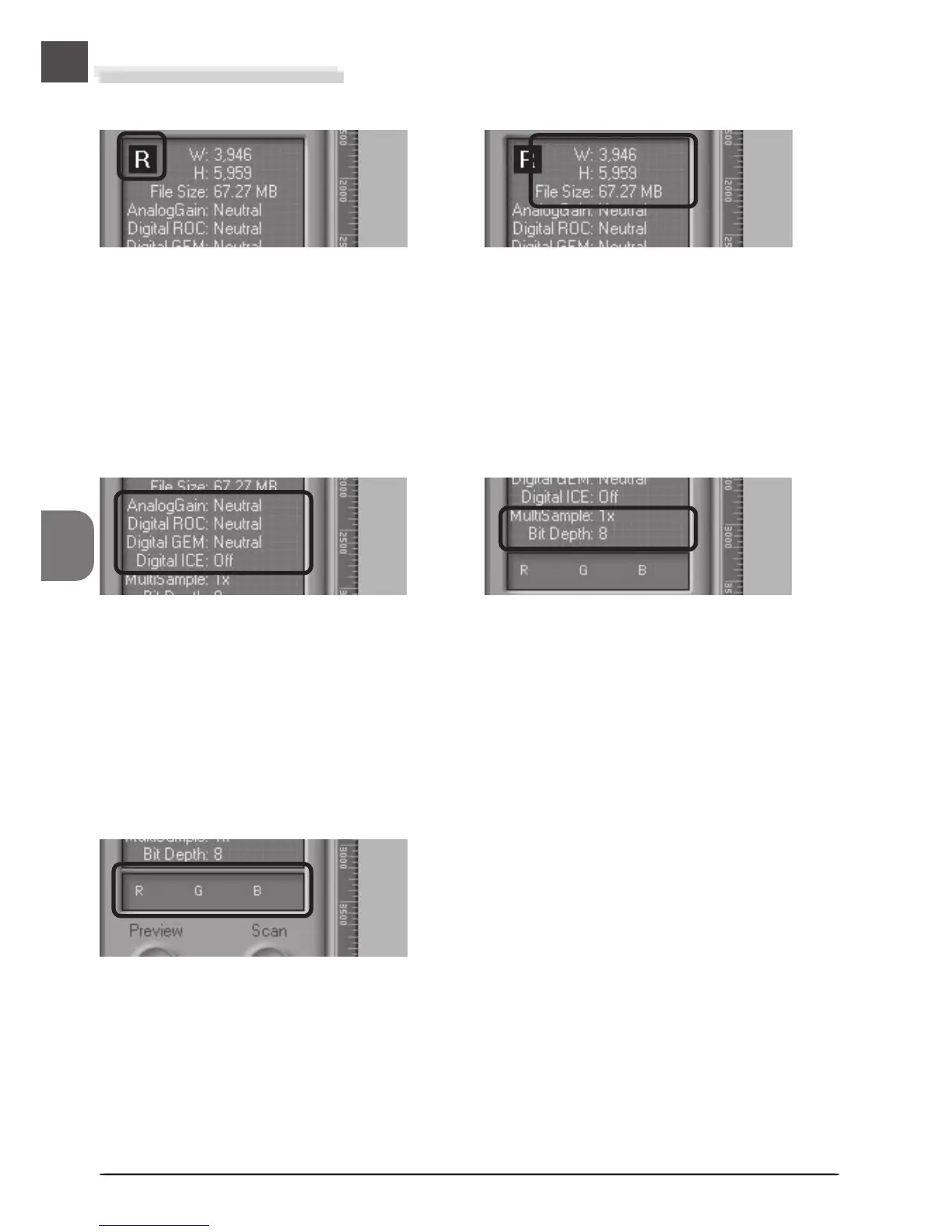
The Information Panel
Shows the orientation of the preview image
relative to the original, reflecting any flips or
rotations that have been performed.
Color Values
Gives the color values for the pixel under the
cursor in the Natural tab (top row) or Processed
tab (bottom row).
Dimensions/File Size
Gives the height and width of the current crop
in pixels, and the size of the file that will result
if the crop is scanned at the current output size
and resolution.
Image Enhancement
Indicates whether Digital ICE
3
and analog gain
are in effect. Remember to use Digital ICE
3
only
when needed, as turning Digital ICE
3
on can
substantially increase scanning times.
Scanner Extras
Displays the current bit depth (which deter-
mines the maximum number of colors in the
image). When the 4000 ED is connected, it also
indicates whether multi-sample scanning is in
effect.
Orientation












 To Next Page