En
25
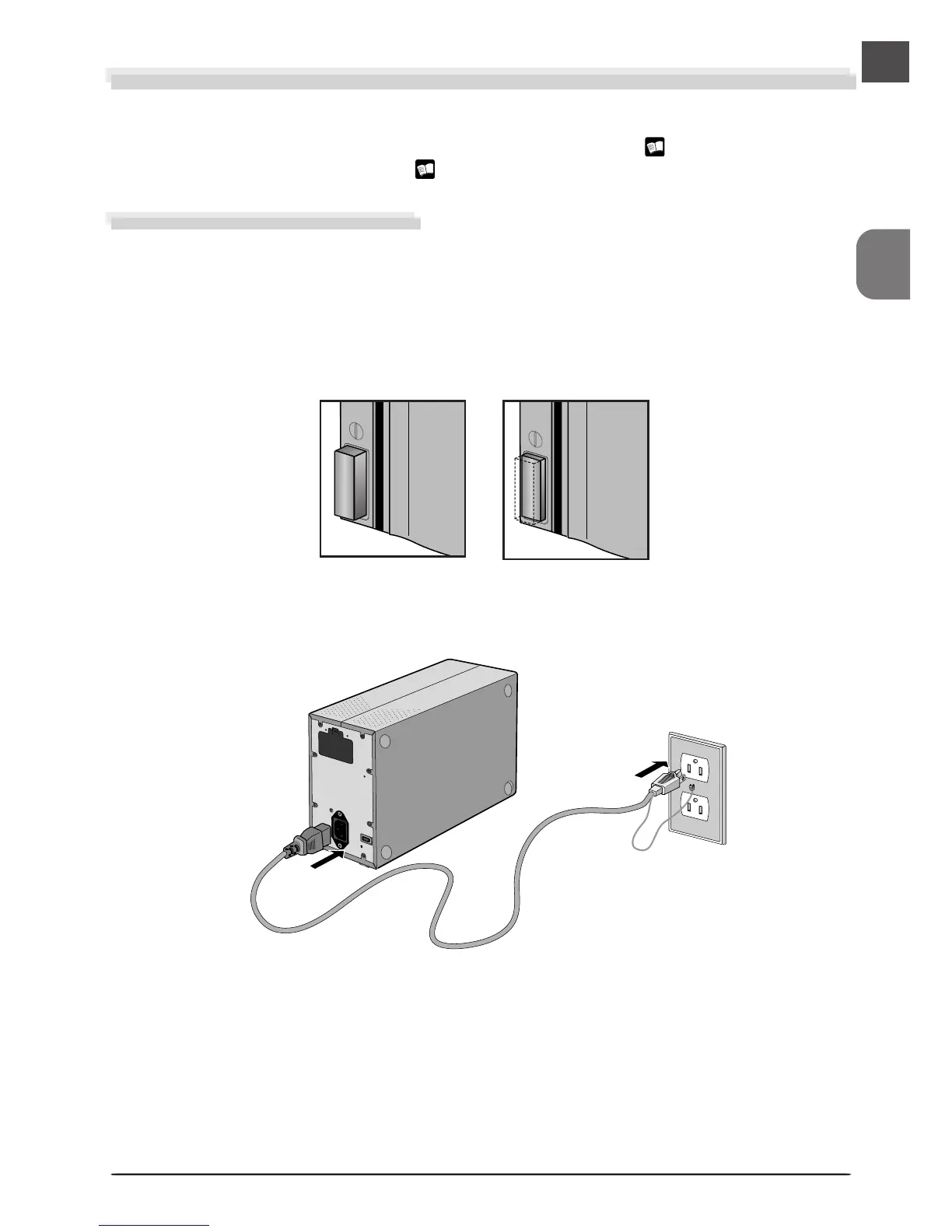
Power switch off
Power switch on
Connecting the Scanner
The first time the scanner is connected to a Windows computer, the Device Manager will install
the device drivers needed to “register” the scanner with the system. For information on regis-
tering the scanner, see “Registering the 4000 ED with Windows” ( 30-56) or “Registering
the COOLSCAN IV ED with Windows ( 57-82).
Connecting the Power Cable
A power cable is provided with your scanner. Before connecting the cable, making sure the
scanner is off. After connecting the cable to the AC connector on the rear of the scanner, plug
it into a general-purpose household power outlet (AC 100–240 V, 50/60 Hz). If a separate
ground wire is provided, be sure to attach the ground wire to the earth connector.
Illustration shows 4000 ED.












 To Next Page