84
Step 1—Ready the Slide
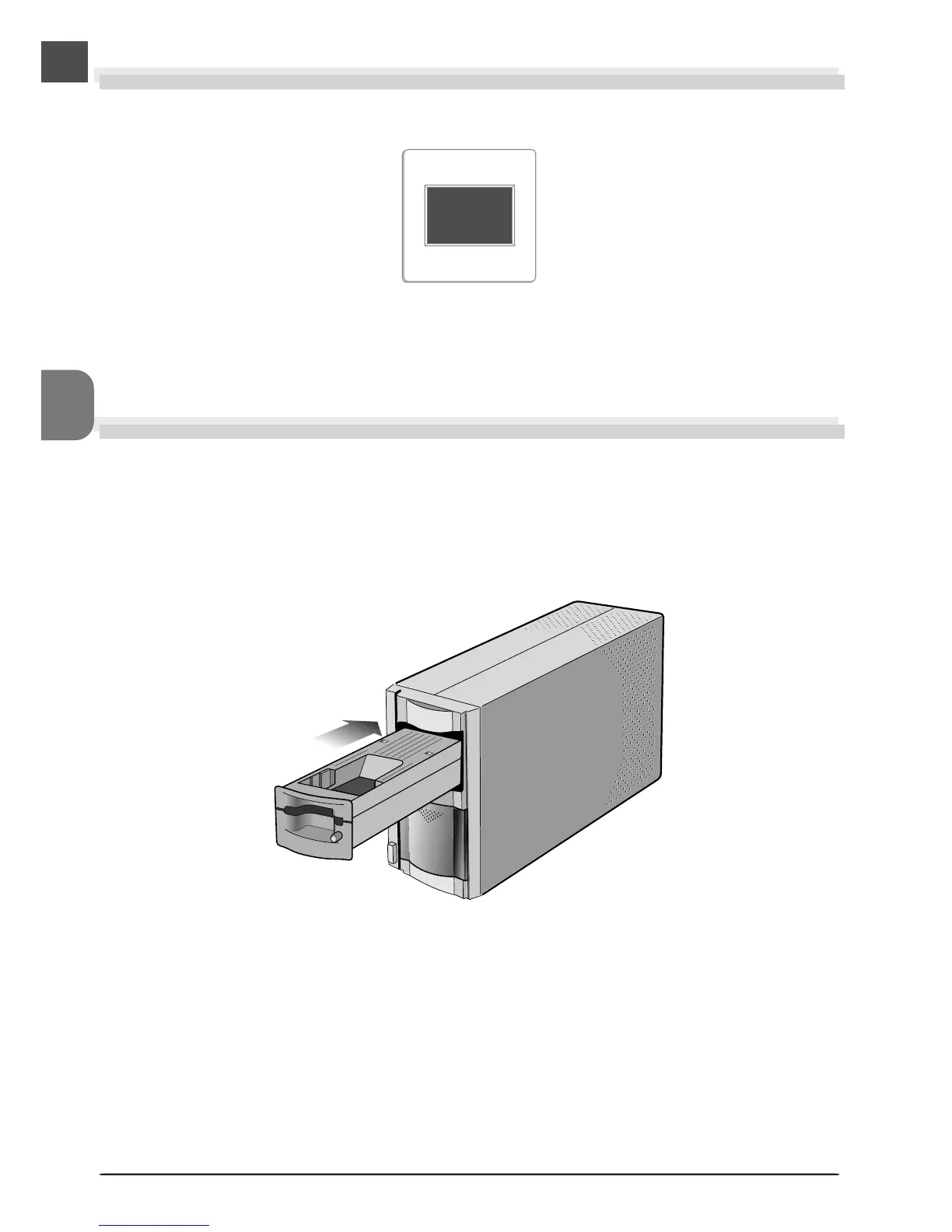
The MA-20 (S) slide-mount adapter is used to scan 35-mm film mounted as slides.
Step 2—Insert the Adapter
After confirming that the scanner is ready (the scanner is ready when the status LED is not
blinking), insert the MA-20 (S) slide-mount adapter into the scanner.
Open the sliding cover on the front of the scanner and slide the MA-20 (S) smoothly into the
adapter slot until it is fully inserted. The status LED will blink a few times and then glow
steadily.
35-mm slide












 To Next Page