En
28
When turning the scanner on with the MA-20 (S) slide-mount adapter in place, be sure that the FH-3 film
holder is not inserted. Leaving the FH-3 in the scanner can prevent the scanner from initializing normally.
The status LED should blink slowly (about twice every three seconds) while the scanner initializes. If the
LED flashes rapidly (about five times a second), there may be a problem with the scanner or with the
connection to your computer. Try turning the scanner off, waiting for five seconds, and then turning the
scanner on again.
Pg. For more information on:
29 Device registration (Windows only)
130 Troubleshooting
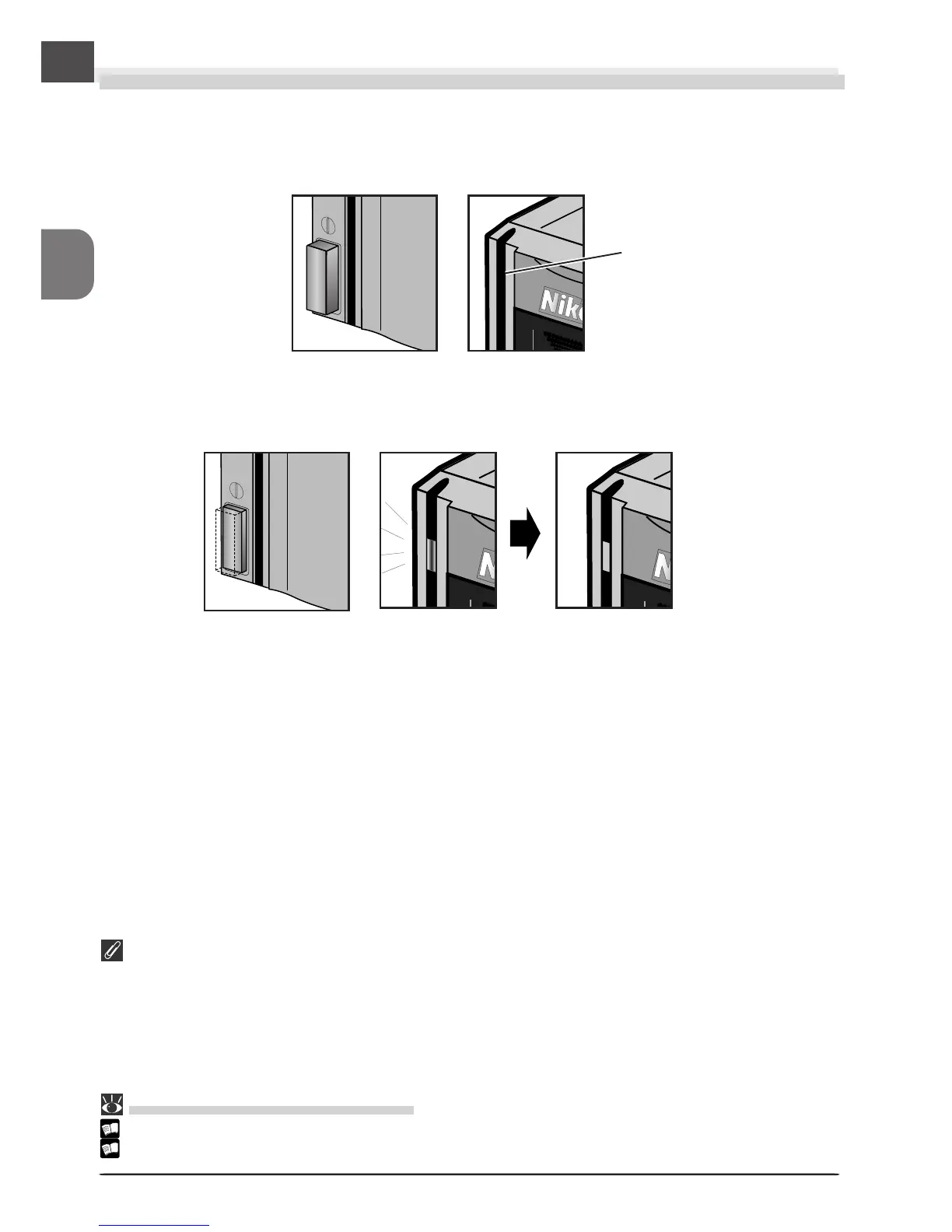
Power switch off
Status LED
Blink
Glow steadily
Power switch on
Turn the Scanner On
Press the power switch to turn the scanner on. The status LED will blink while the scanner
initializes. When initialization is complete, the status LED will glow steadily.












 To Next Page