139
Caring for Adapters
Storing the SA-21 Strip-Film Adapter
Remove the SA-21 strip-film adapter from the scanner when not in use. If you will not be using
the adapter for an extended period, store it where:
•the temperature is between minus twenty and plus sixty degrees Centigrade (–4°F – +140°F)
•the humidity is between twenty and ninety percent (no condensation)
Cleaning the SA-21 Strip-Film Adapter
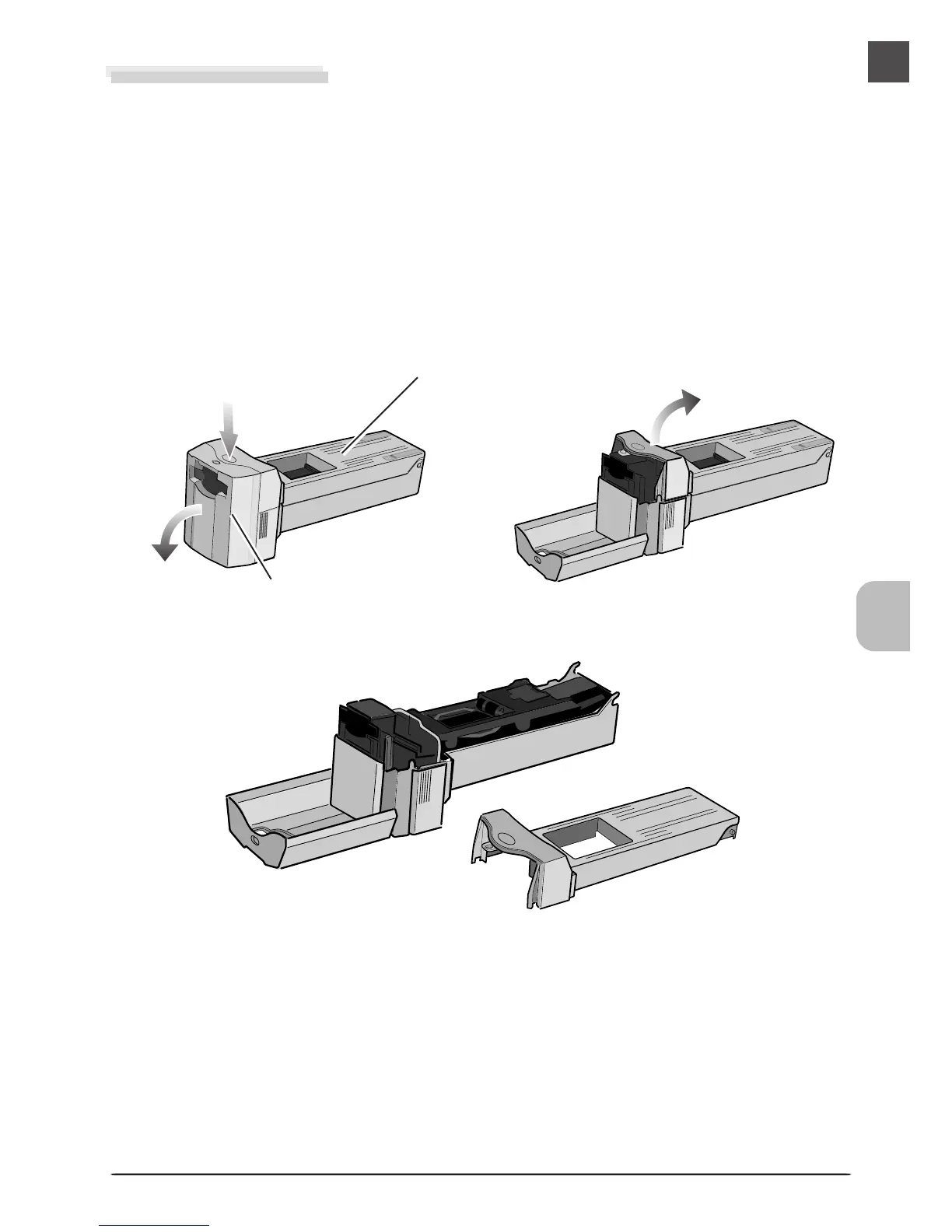
When cleaning the strip-film adapter, press the release button on the upper cover and open the
front panel. Open and remove the upper cover.
Release button
Upper cover
Front panel












 To Next Page