128
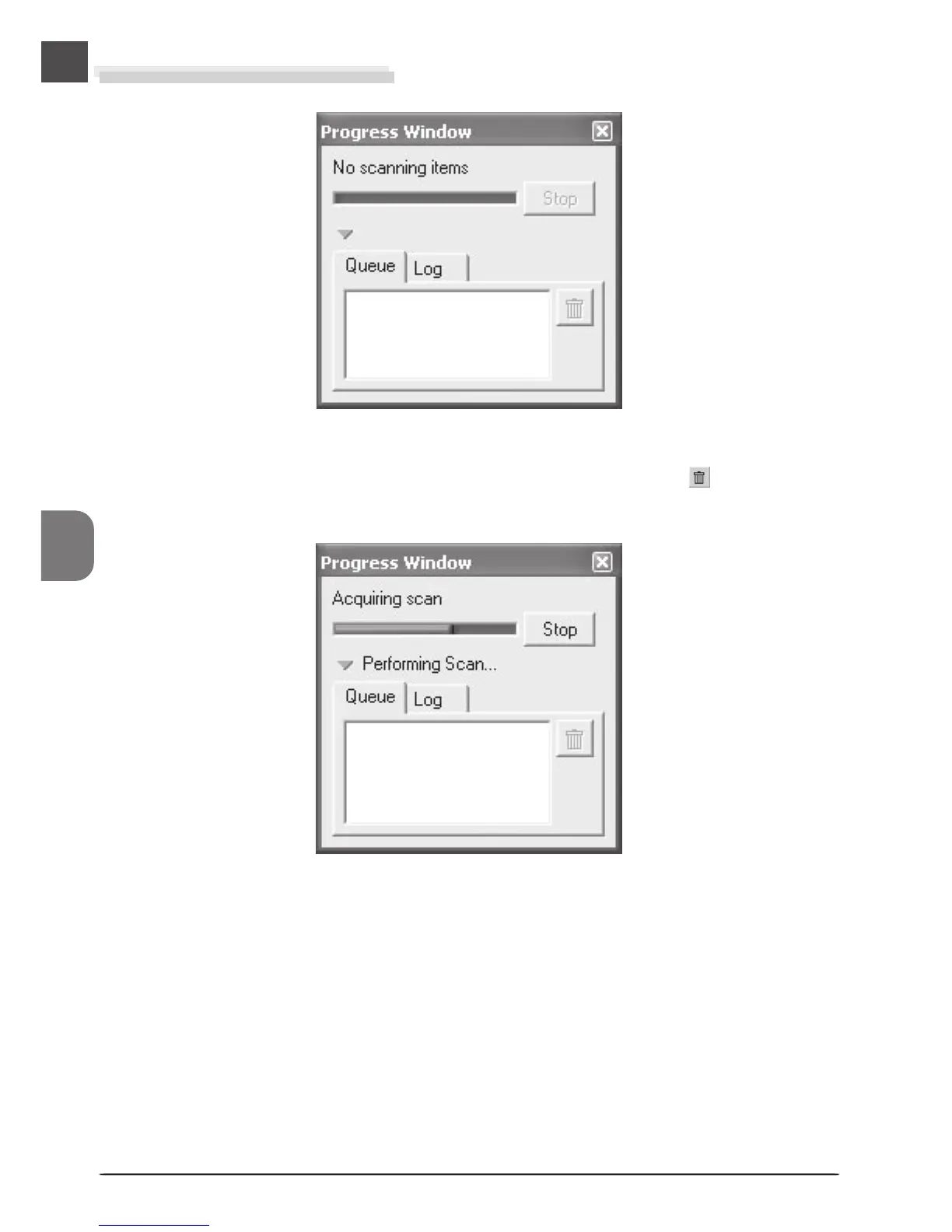
The Scan Progress Window
This window shows the progress of preview and scan operations. The current task can be
cancelled by clicking the Stop button. Tasks that have yet to be performed are listed in the
Queue tab and can be cancelled by selecting the task and clicking the button. When
performing multiple (batch) scans, the tasks completed are listed in the Log tab.
The progress of preview and scan operations is indicated as shown above.












 To Next Page