123
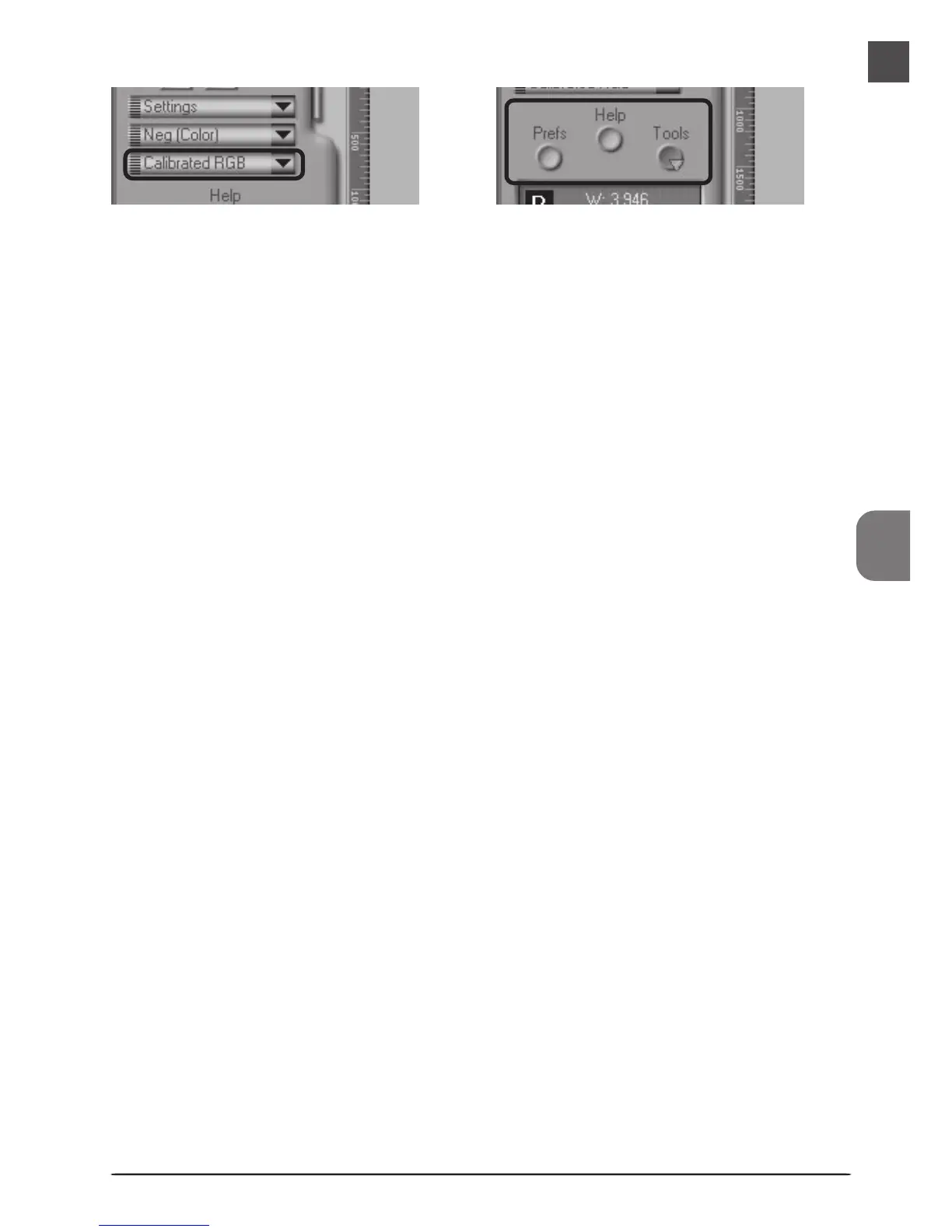
Color Model Menu
Select a color model according to the capaci-
ties of your image editing software and
whether the image is destined for output on a
commercial four-color printing press or display
on a monitor.
Window Buttons
• Prefs: click to open the preferences dialog
• Help: click to open the Nikon Scan help file
•Tools: click to open the Tool Chest or Scan
Progress windows












 To Next Page