119
5
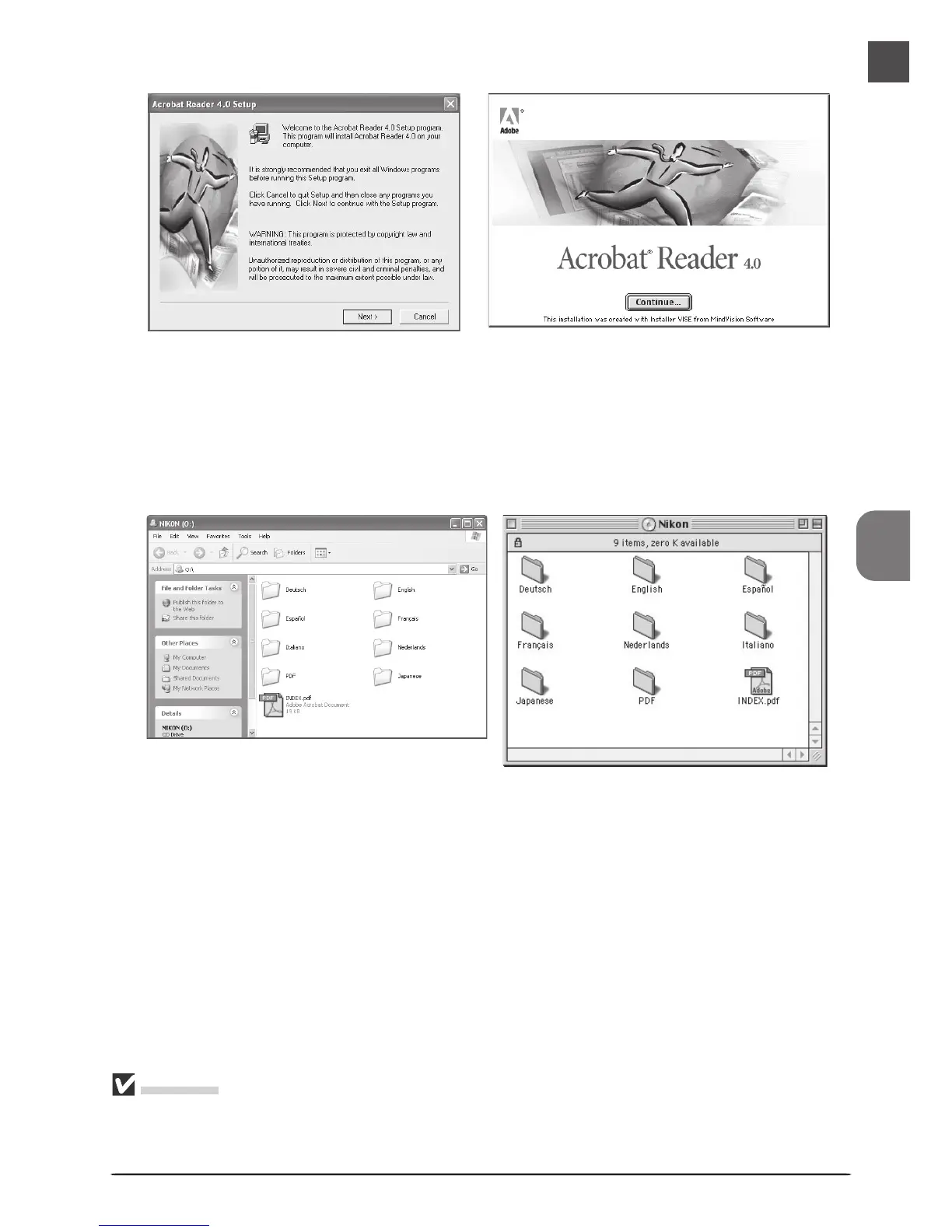
Follow the on-screen instructions to complete installation.
Once installation is complete, you will be able to view the Nikon Scan Software Manual by
double-clicking the INDEX.pdf icon in the root directory of the reference CD and choosing
a language from the menu that appears.
Important
When installing Nikon Scan, be sure to exit all other programs, including virus-checking software
and Adobe Acrobat Reader. If desired, before installing Nikon Scan you can print the “Getting
Started” section of the software manual, which details the installation process.
Windows Macintosh
Windows Macintosh












 To Next Page