135
Place the adapter on a table or other flat, stable surface before opening the cover. If you hold the
adapter in your hand while removing the upper cover, the adapter could fall to the floor and be
damaged.
1
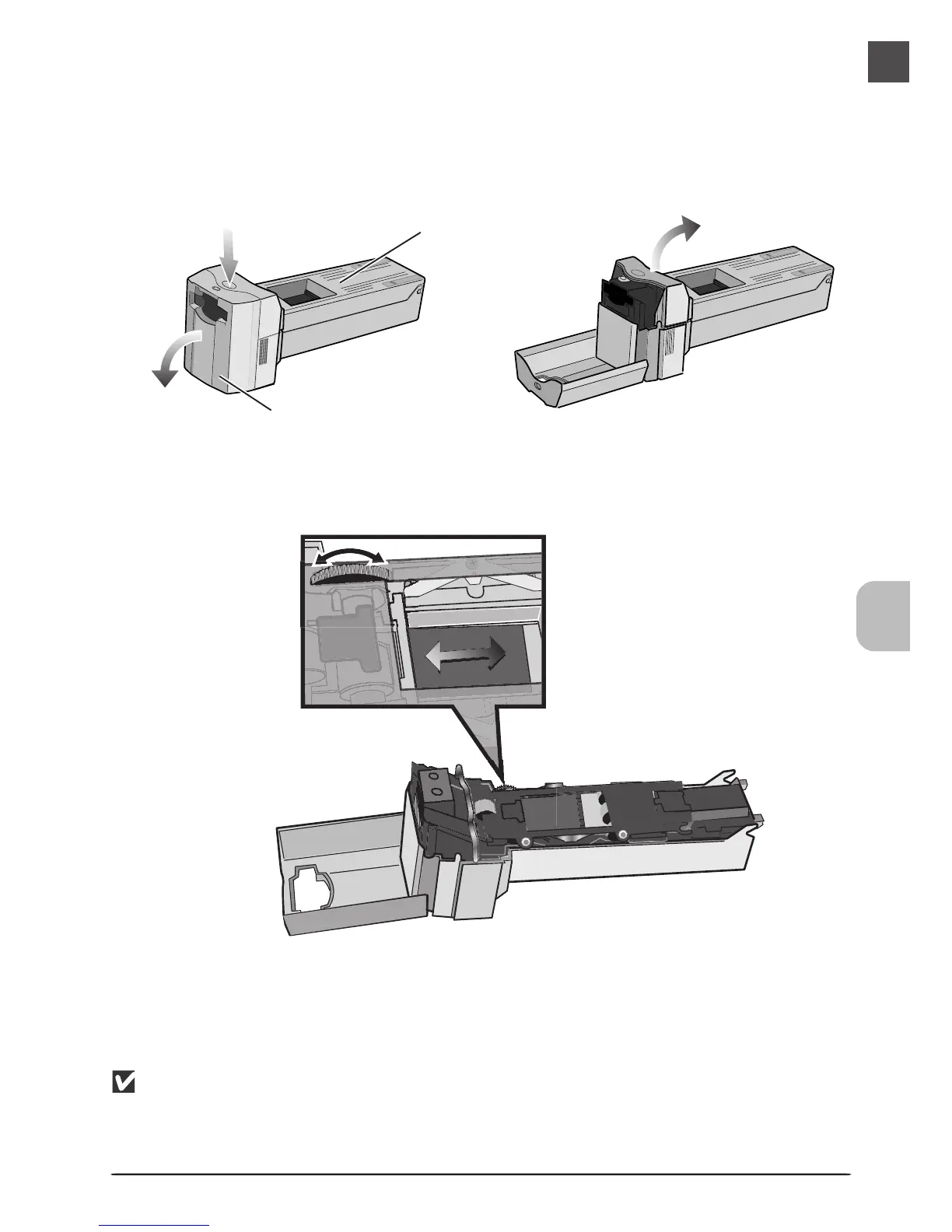
After placing the adapter on a table or other flat, stable surface, press the release
button on top of the adapter, open the front panel, and open and remove the
upper cover.
• If the end of the film strip is not visible, rotate the toothed wheel until the end of the film
protrudes from either end of the adapter.
Release button
Upper cover
Front panel
Removing Film












 To Next Page