4000 ED
33
5
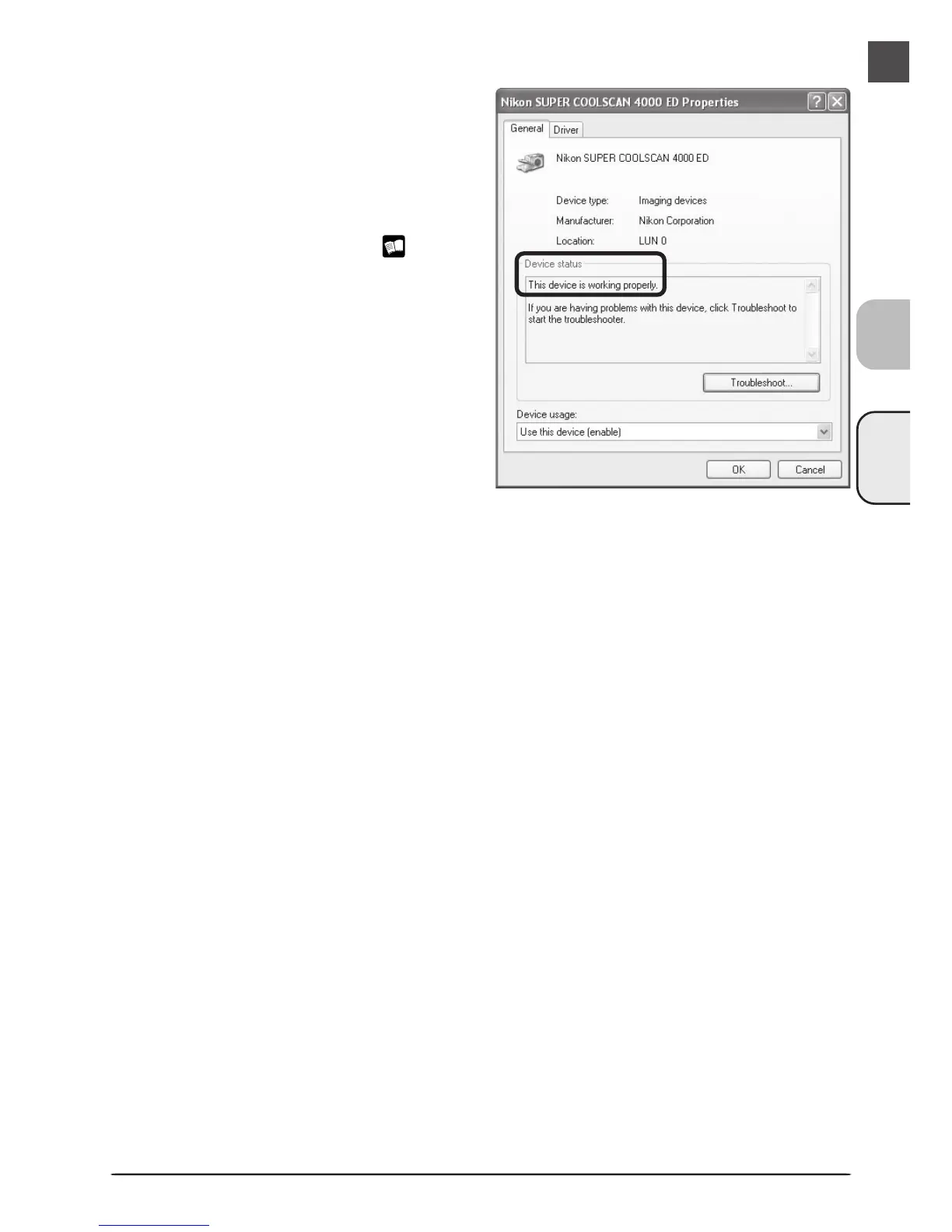
Confirm that the scanner is working properly
Double-click the listing for your scanner that
appears under “Imaging devices.” The
scanner Properties dialog will be displayed.
Click the General tab and confirm that
“This device is working properly” appears
under “Device Status.” If another message
is displayed, proceed to “Updating the
Device Driver (Windows XP)” ( 34).












 To Next Page