COOLSCAN
IV ED
62
4
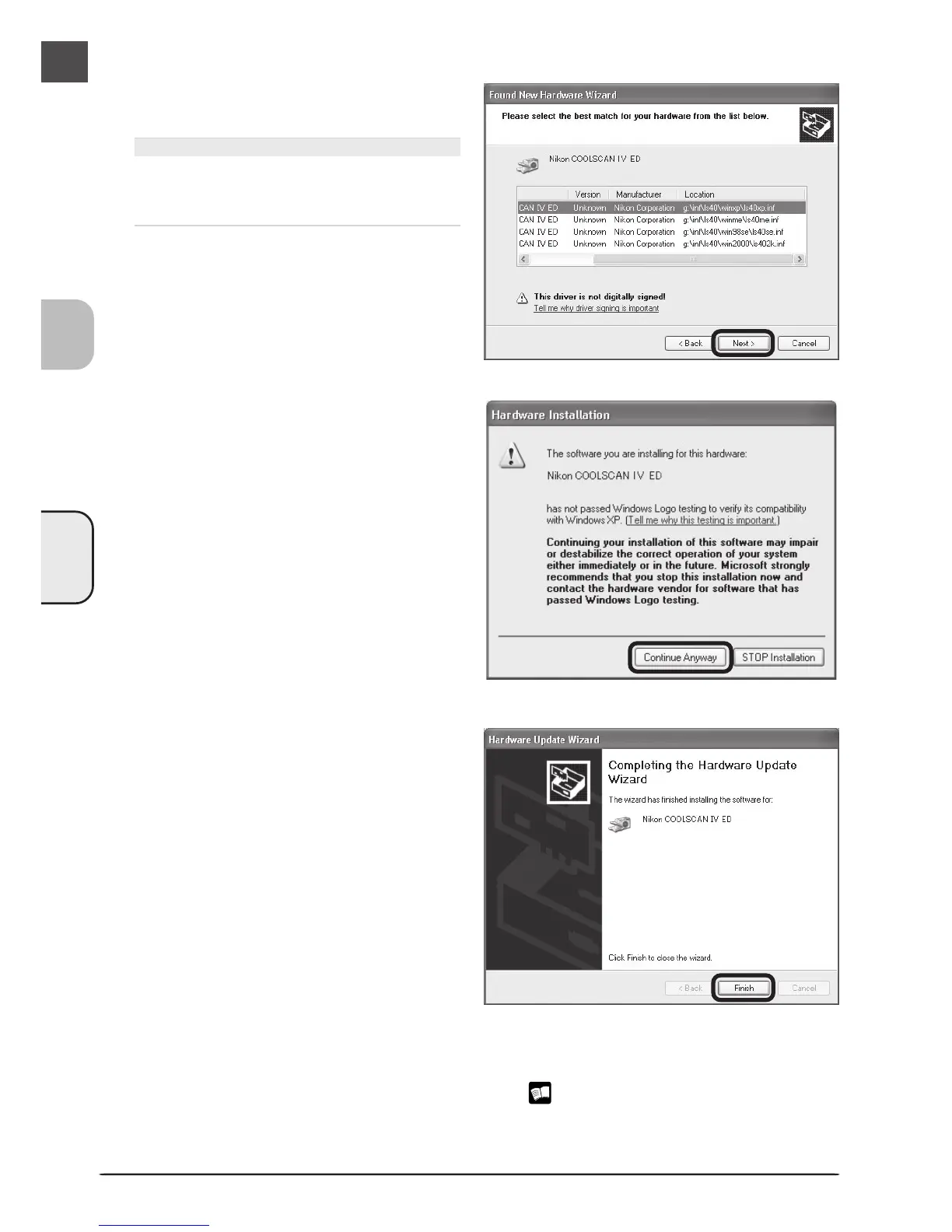
Select ls40xp.inf
Select ls40xp.inf in the list of drivers and
click Next.
“ls40xp.inf”
If ls40xp.inf is not visible in the list, drag
the scroll bar at the right of the list until it
is displayed.
5
Click Continue Anyway
Click Continue Anyway to begin installa-
tion of the files need to register the scanner.
6
Click Finish
Click Finish to complete installation.
7
Confirm device registration
Confirm that the scanner has been correctly registered with the system as described in
“Confirming Device Registration (Windows XP)” ( 59–60).












 To Next Page