2
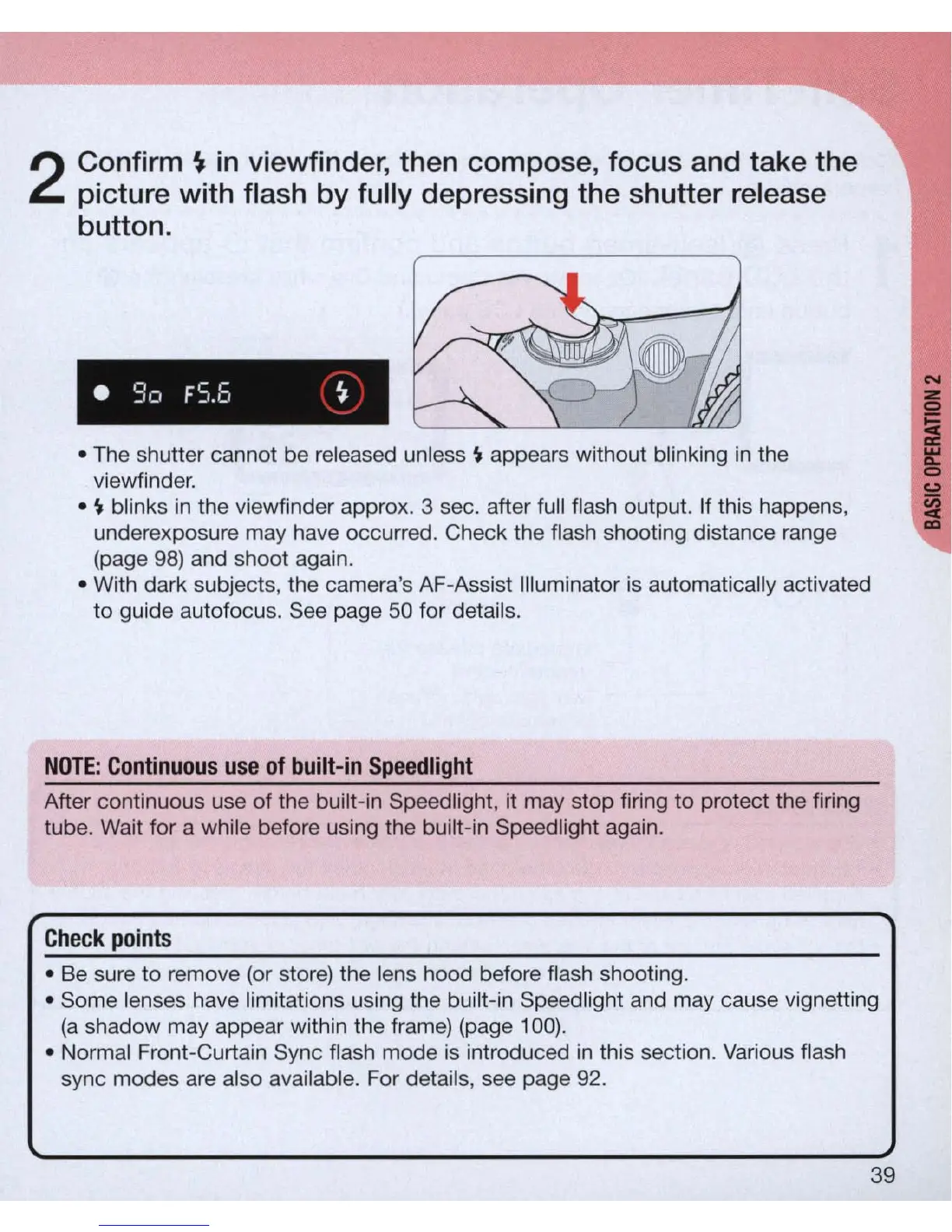
Conf
irm
~
in viewfinder, then compose, focus and take the
picture with flash by fully depressing the shutter release
button .
• 90
FS.b
~
• The shutter cannot be released unless
~
appears without blinking
in
the
viewfinder.
•
~
blinks
in
the viewfinder approx. 3 sec. after full flash output. If this happens,
underexposure may have occurred. Check the flash shooting distance range
(page
98)
and shoot again.
• With dark subjects, the camera's AF-Assist I
ll
uminator
is
automatically activated
to
guide autofocus. See page
50
for details.
NOTE
:
Continuous
use
of
built-in
Speedlight
After continuous use
of
the built-in Speed
li
ght, it may stop firi
ng
to protect t
he
firing
tube. Wait for a while before using the built-in Speed light again.
Check
points
• Be sure to remove (or store) the lens hood before flash shooting.
• Some lenses have limitations using the built-in Speedlight and may cause vignetting
(a
shadow may appear within the frame) (page
100)
.
• Normal Front-Curtain Sync flash mode
is
introduced
in
this section. Various flash
sync modes are also available. For details, see page 92.
39



 To Next Page