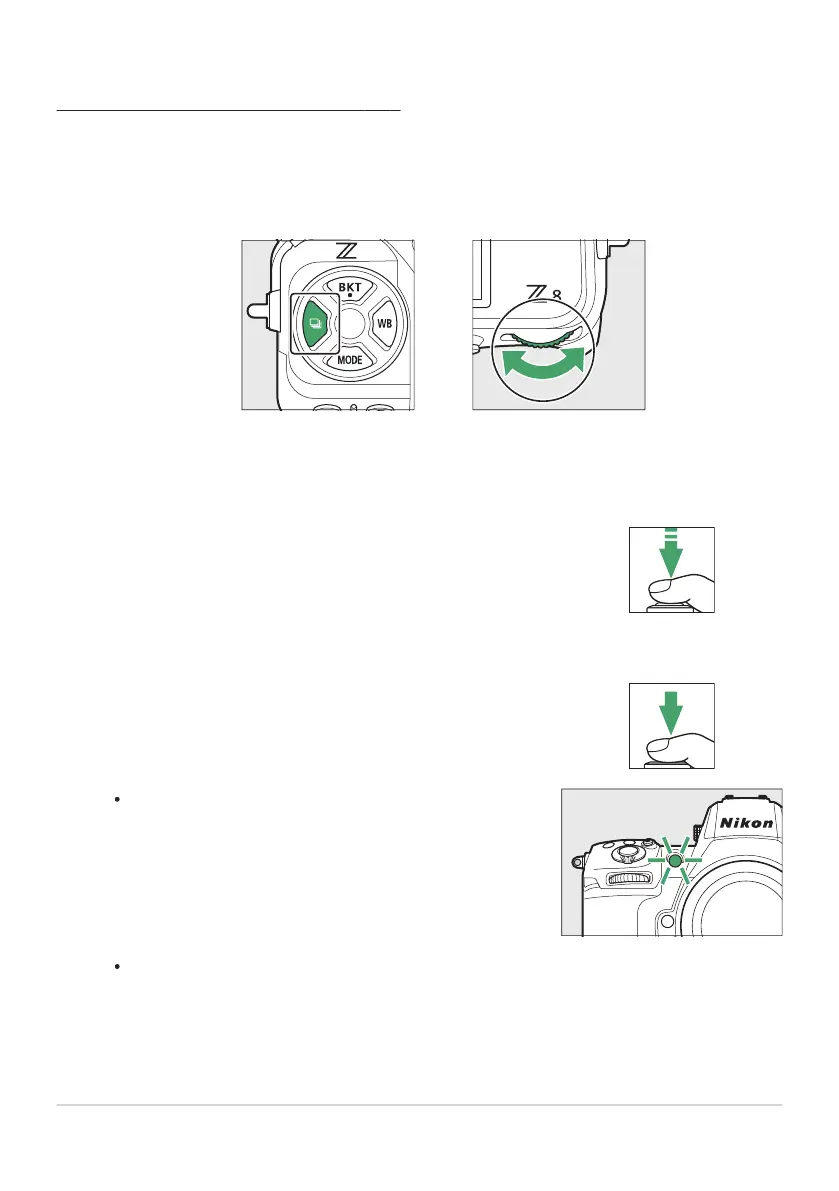
Frame the photograph and focus.
The timer will not start if the shutt
er cannot be released, as
may be the case, for example, if the camera is unable to focus
when AF‑S is selected for focus mode.
Start the timer.
Press the shutter-release button all the way down to start
the timer; the self
-timer lamp will begin to flash. The lamp
stops flashing two seconds before the timer expires.
Using the Self-Timer (E)
In self-timer mode, pr
essing the shutter-release button all the way down starts a timer, and a photo is
taken when the timer expires.
Hold the c button and rotate the main command dial to select E.
Hold the c button and rotate the sub-command dial to choose the self-timer delay.
The timer duration, the number of shots taken, and the interval between shots can be
selected using Custom Setting c2 [Self-timer].
138
Release Mode
1
2
3
4



 To Next Page