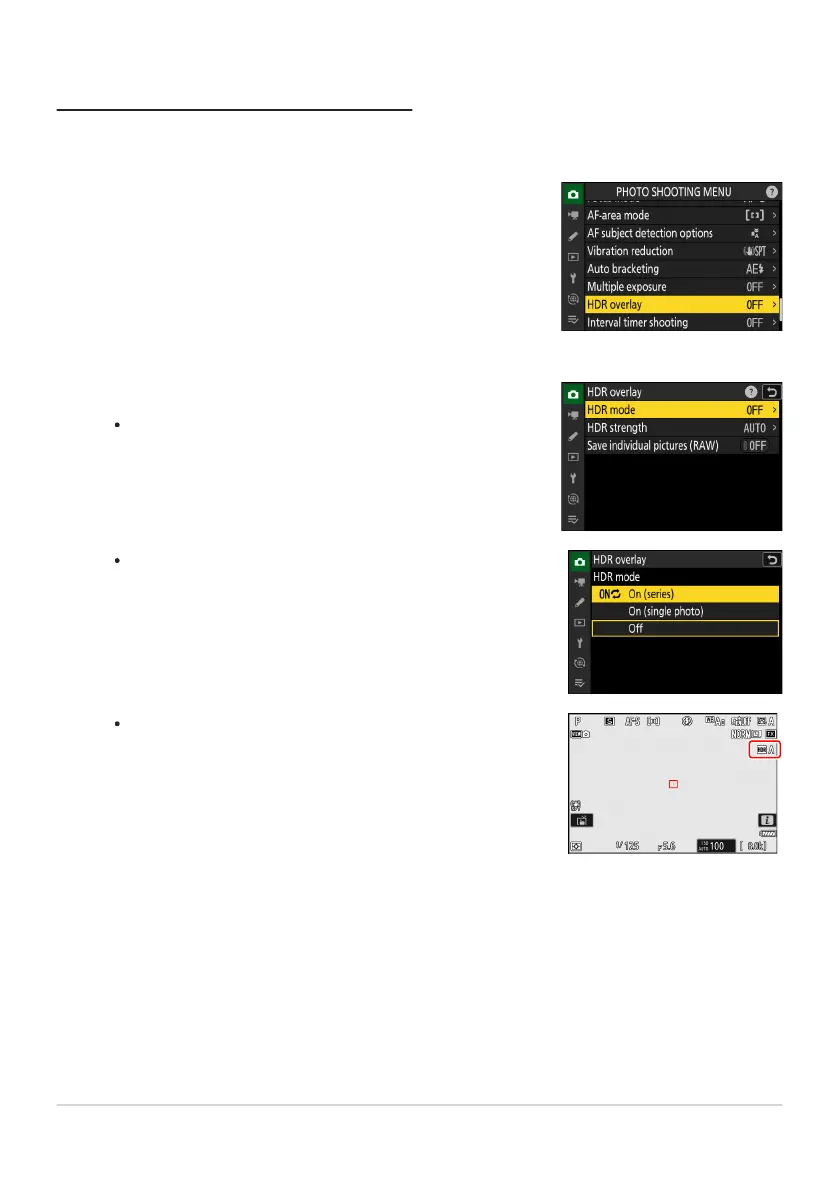
Highlight [HDR overlay] in the photo shooting menu and
press
2.
Select an [HDR mode].
Highlight [HDR mode] and press 2
.
Highlight one of the following options using 1 or
3 and
press J.
If [On (series)] or [On (single phot
o)] is selected, an icon will
appear in the display.
Taking HDR Photographs
We r
ecommend that you use matrix metering when shooting with HDR.
480
HDR Overlay
1
2



 To Next Page