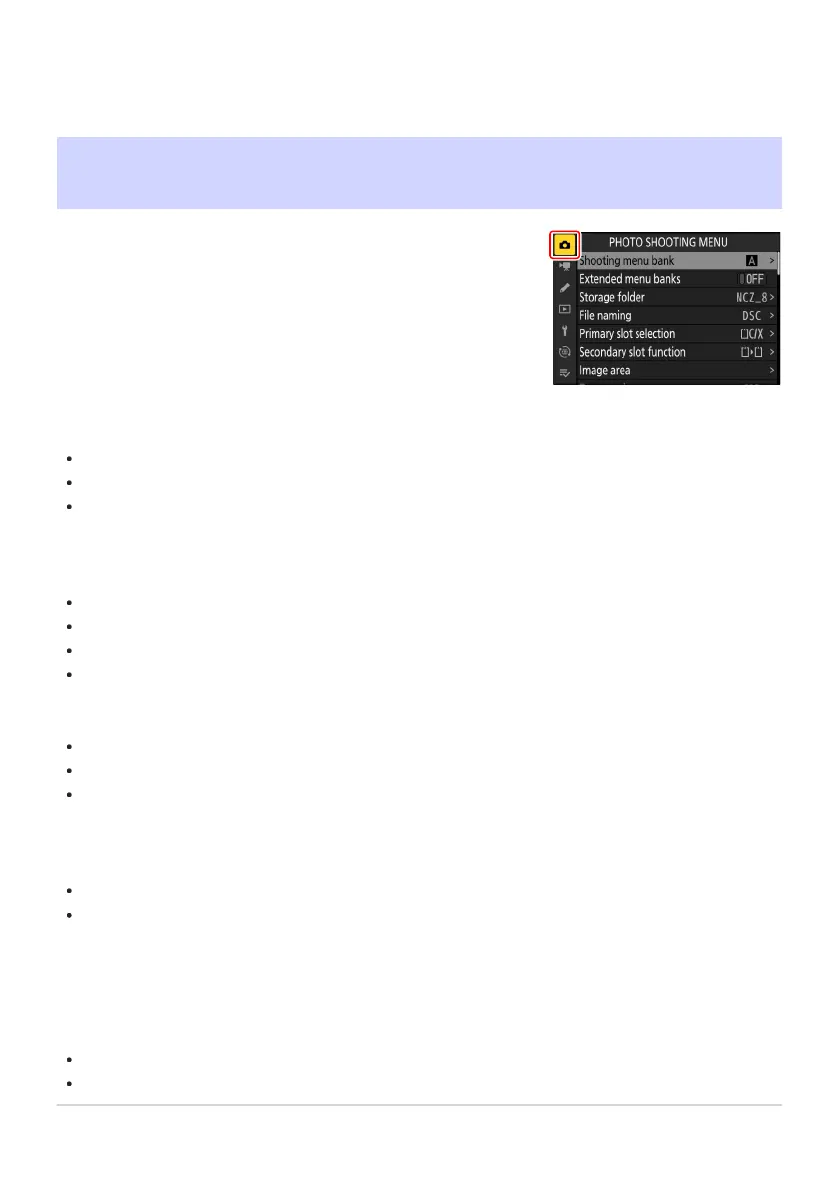
To view the photo shooting menu, select the C tab in the camera
menus.
The Photo Shooting Menu
Menu Items and Defaults
The options in the phot
o shooting menu are listed below, together with their default settings.
[Shooting menu bank]: A
[Extended menu banks]: OFF
[Storage folder]
[Rename]: NCZ_8
[Select folder by number]: 100
[Select folder from list]: —
[File naming]: DSC
[Primary slot selection]: CFexpress/XQD card slot
[Secondary slot function]: Overflow
[Image area]
[Choose image area]: FX (36×24)
[DX crop alert]: OFF
[Tone mode]: SDR
[Image quality]: JPEG/HEIF normal
[Image size settings]
[Image size]: Large
[Enable DX image sizes]: OFF
[Image size (DX)]: Large
[RAW recording]: High efficiencym
[ISO sensitivity settings]
[ISO sensitivity]: 100
[Auto ISO sensitivity control]: ON
[Maximum sensitivity]: 25600
[Maximum sensitivity with c]: Same as without flash
[Minimum shutter speed]: Auto
[White balance]: Auto—Keep white (reduce warm colors)
[Set Picture Control]: Auto
418
Menu Items and Defaults
-
-
-
-
-
-
-
-
-
-
-
-
-



 To Next Page
 Loading...










