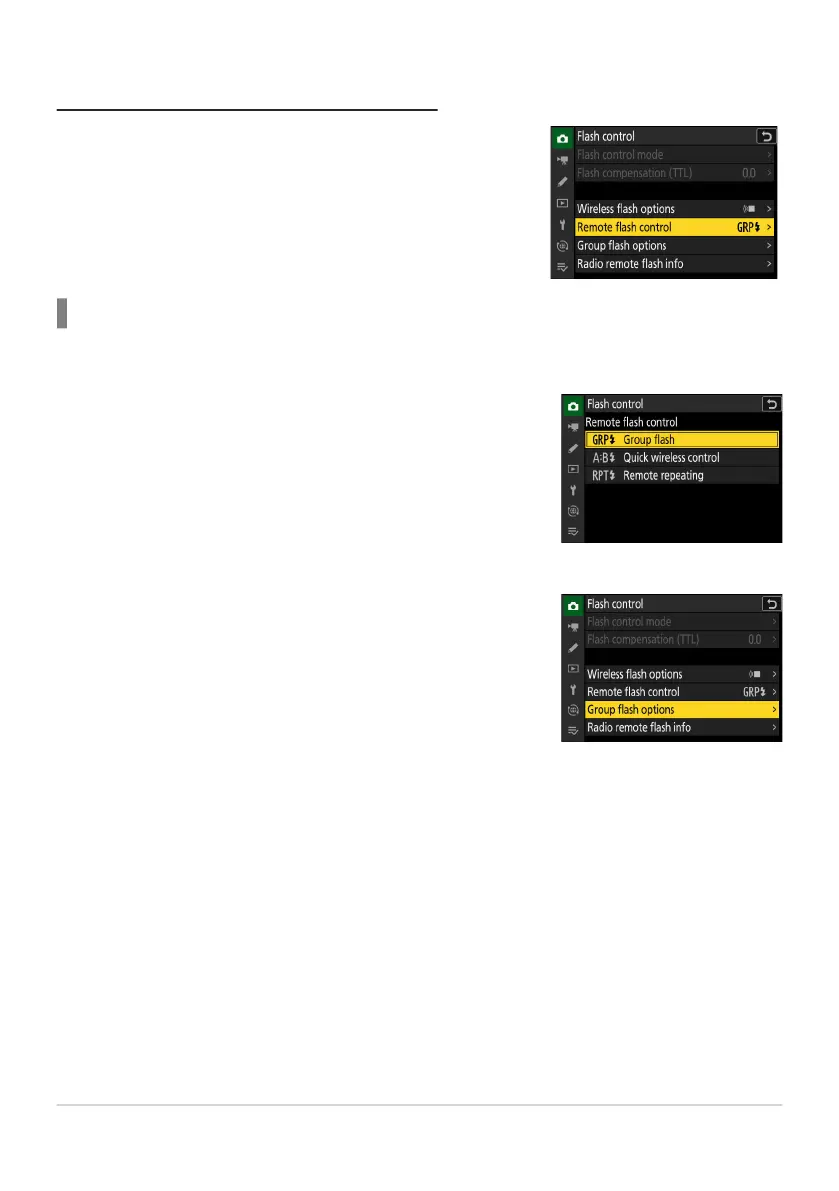
Settings are adjusted using [Flash control]> [
Remote flash
control] in the photo shooting menu. Choose a remote flash
control mode and take pictures as described below.
C: Select [Group f
lash] for [Flash control]> [Remote flash
control].
C: Highlight [Gr
oup flash options] in the [Flash control]
display and press 2.
Remote Flash Photography
Group Flash
Select this it
em if you want to adjust settings separately for the flash units in each group.
403
Radio AWL
1
2



 To Next Page