Attaching a Lens
The camera can be used with Z mount lenses. For more infor
mation on lenses, see the lens
documentation available from the Nikon Download Center.
The lens generally used in this document for illustrative purposes is a NIKKORZ 50mm f/1.8 S.
Be careful to prevent dust entering the camera.
Confirm that the camera is off before attaching the lens.
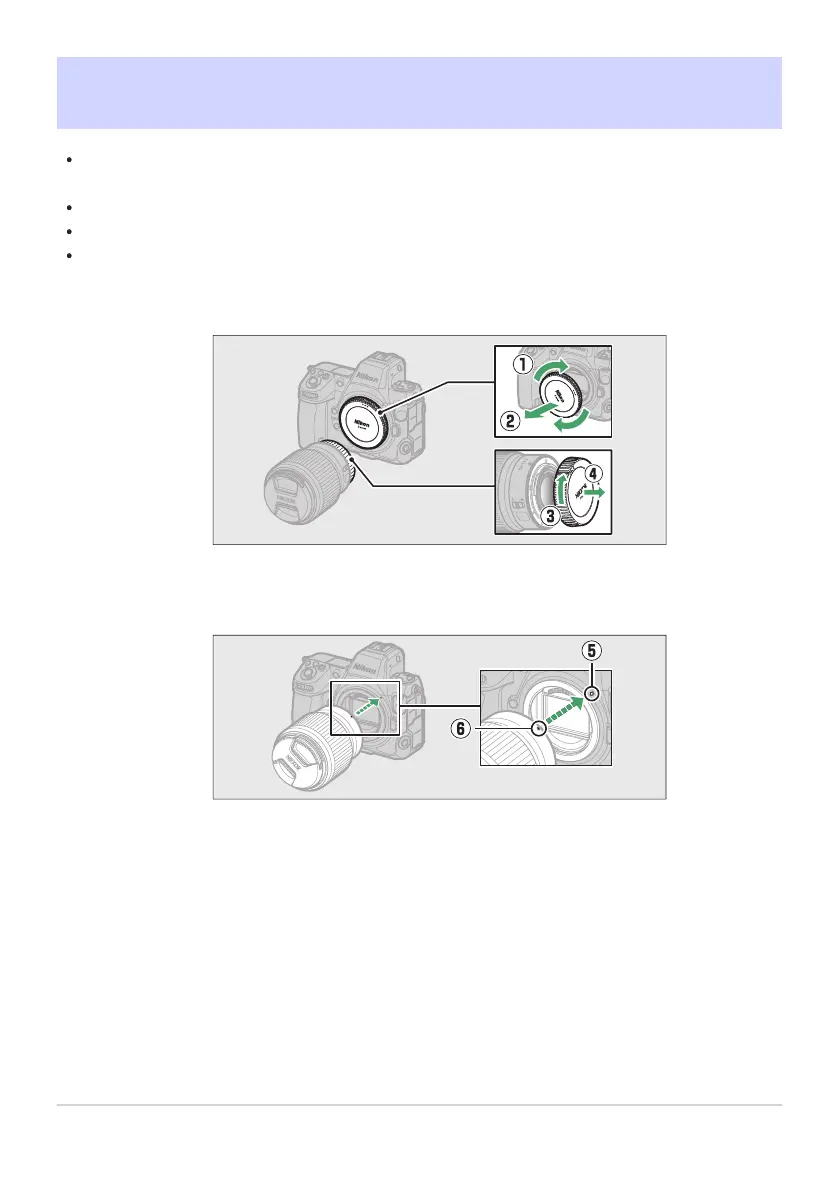
Remove the camera body cap (q, w) and rear lens cap (e, r).
Align the mounting marks on the camera (t) and lens (y). Do not touch the image sensor or
lens contacts.
85
Attaching a Lens
-
-



 To Next Page