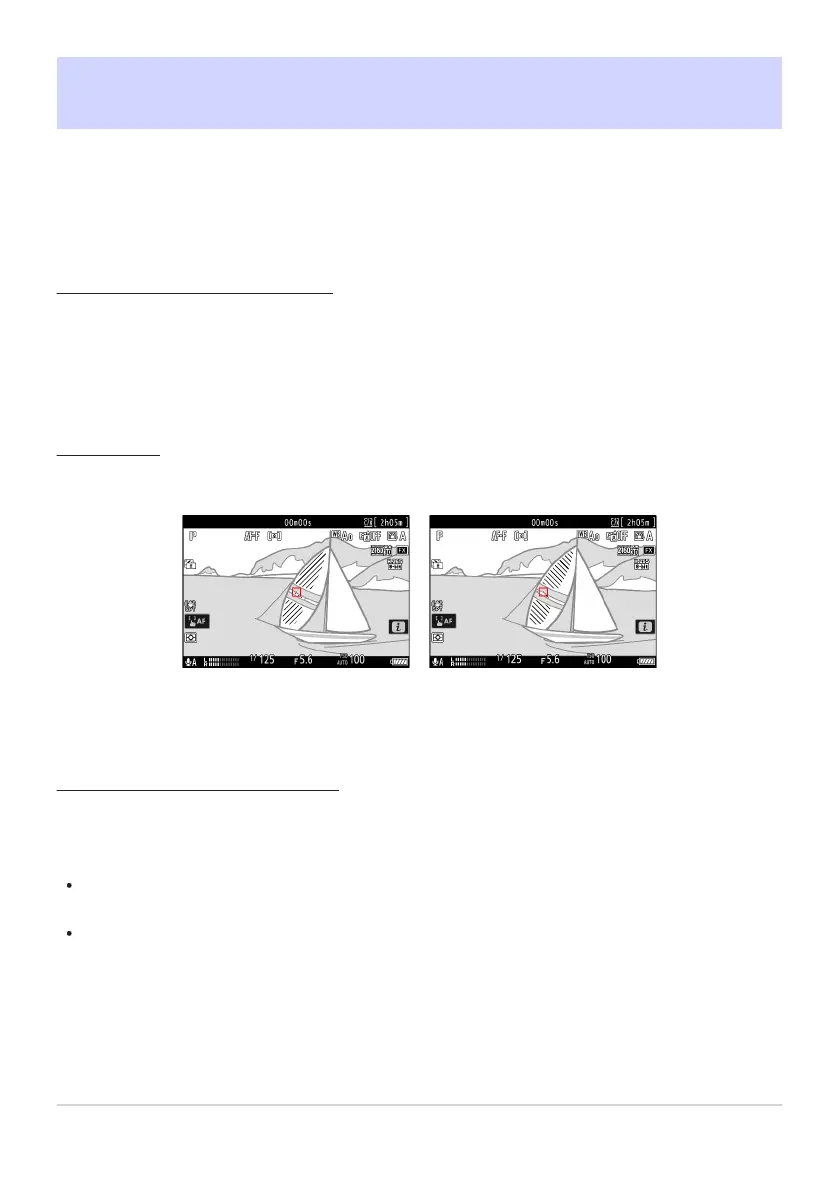
Pattern 1
Pattern 2
g12: Zebra Pattern
G butt
on
UACustom Settings menu
Choose whether a zebra pattern is used to indicate selected tone ranges in video mode.
Pattern Tone Range
Choose the tone range shown by the zebra p
attern from [Highlights] or [Mid-tones], or select [Zebra
pattern off] to turn the zebra pattern off. Highlights and mid-tones can be defined using [Highlight
threshold] and [Mid-tone range], respectively.
Pattern
To enable the zebra display
, select [Pattern 1] or [Pattern 2].
Highlight Threshold
Choose the brightness needed to trigger the zebra display when [Highlights] is selected for [Pattern
tone range].
Choose from values of from 120 to 255. The lower the value, the greater the range of brightnesses
that will be shown as highlights.
If 255 is selected, the display will show only areas that are potentially overexposed.
679
g12: Zebra Pattern



 To Next Page