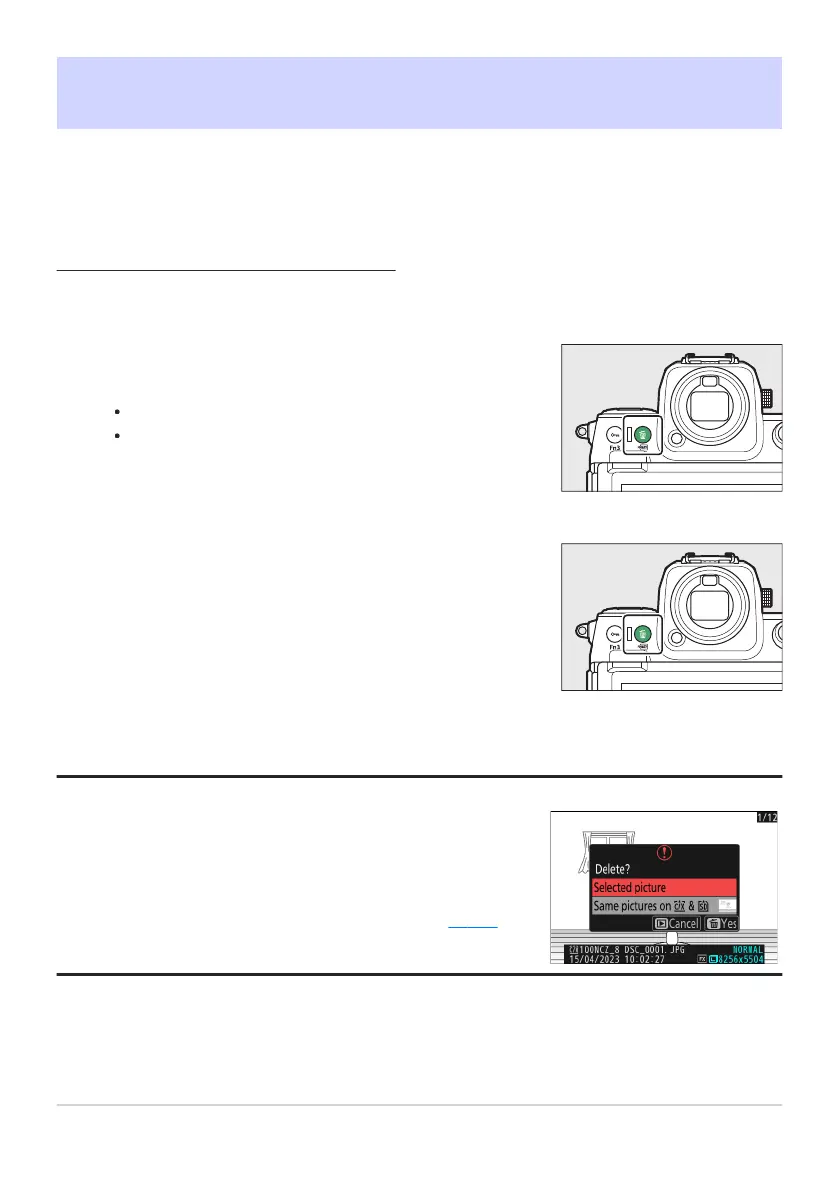
Select the desired picture with the multi selector and press
the O (Q) button.
A confir
mation dialog will be displayed.
To exit without deleting the picture, press K.
Press O (Q) again.
The picture will be delet
ed.
If the picture selected in the playback display when the O (Q)
button is pressed was recorded with two memory cards inserted
and an option other than [Overflow] selected for [Secondary slot
function], you will be prompted to choose whether to delete both
copies or only the copy on the card in the current slot (0 429).
Deleting Pictures
Follow the steps below t
o delete pictures from memory cards. Note that pictures cannot be recovered
once deleted. Pictures that are protected, however, cannot be deleted.
Using the Delete Button
Press the
O (Q) button to delete the current picture.
Tip: Deleting Copies
243
Deleting Pictures
1
2



 To Next Page