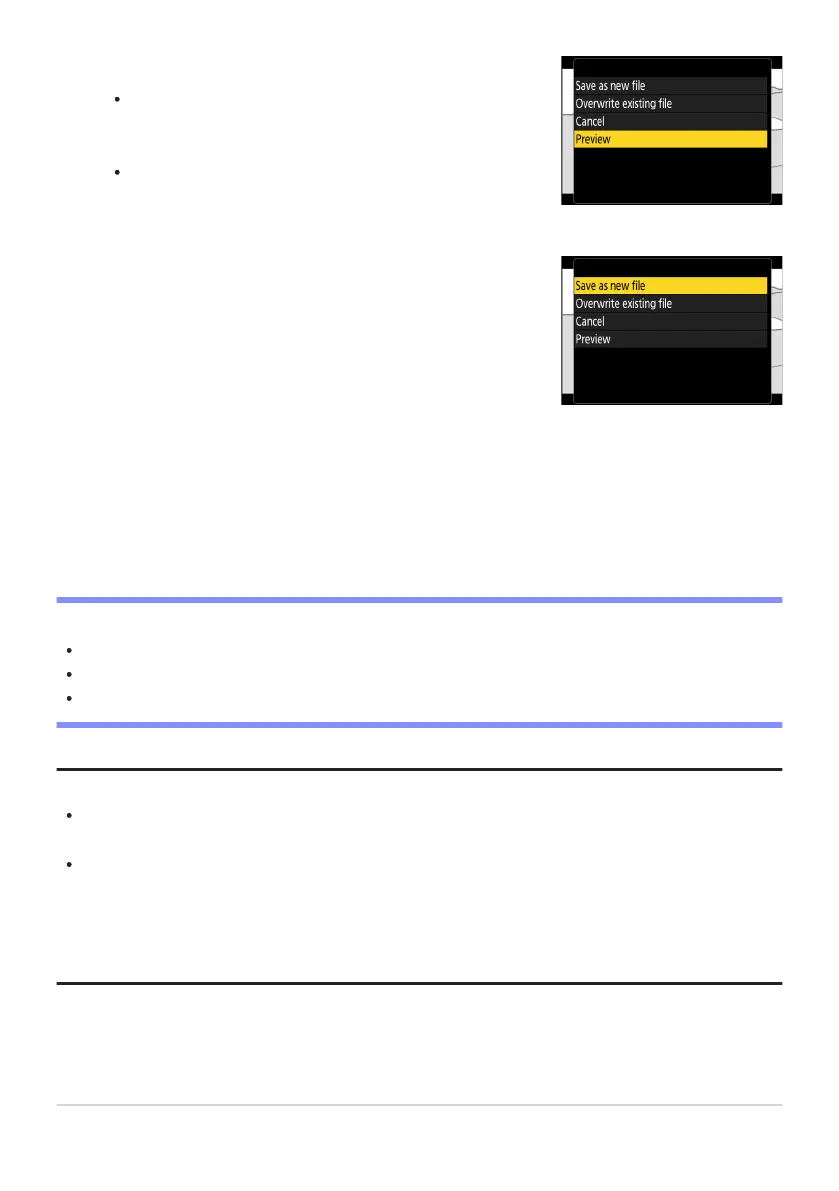
Preview the copy.
To pr
eview the copy, highlight [Preview] and press J (to
interrupt the preview and return to the save options menu,
press 1).
To abandon the current copy and return to Step5, highlight
[Cancel] and press J.
Choose a save option.
Choose [Save as new file
] to save the edited copy as a new
file. To replace the original video with the edited copy, choose
[Overwrite existing file].
Save the copy.
Press
J to save the copy.
D Cautions: Trimming Videos
The copy will not be saved if there is insufficient space available on the memory card.
Videos less than two seconds long cannot be edited using [Trim video].
Copies have the same time and date of creation as the original.
Tip: Removing Opening or Closing Footage
To remove only the closing footage from a video, highlight [End point] and press J in Step4, select
the closing frame, and proceed to Step7 without pressing the center of sub-selector in Step6.
To remove only the opening footage, proceed to Step7 without pressing the center of sub-selector
in Step6.
Tip: The i Menu “Trim Video” Option
Videos can also be edited using the [Trim video] item in the i menu.
282
Trimming Videos
8
9
10



 To Next Page