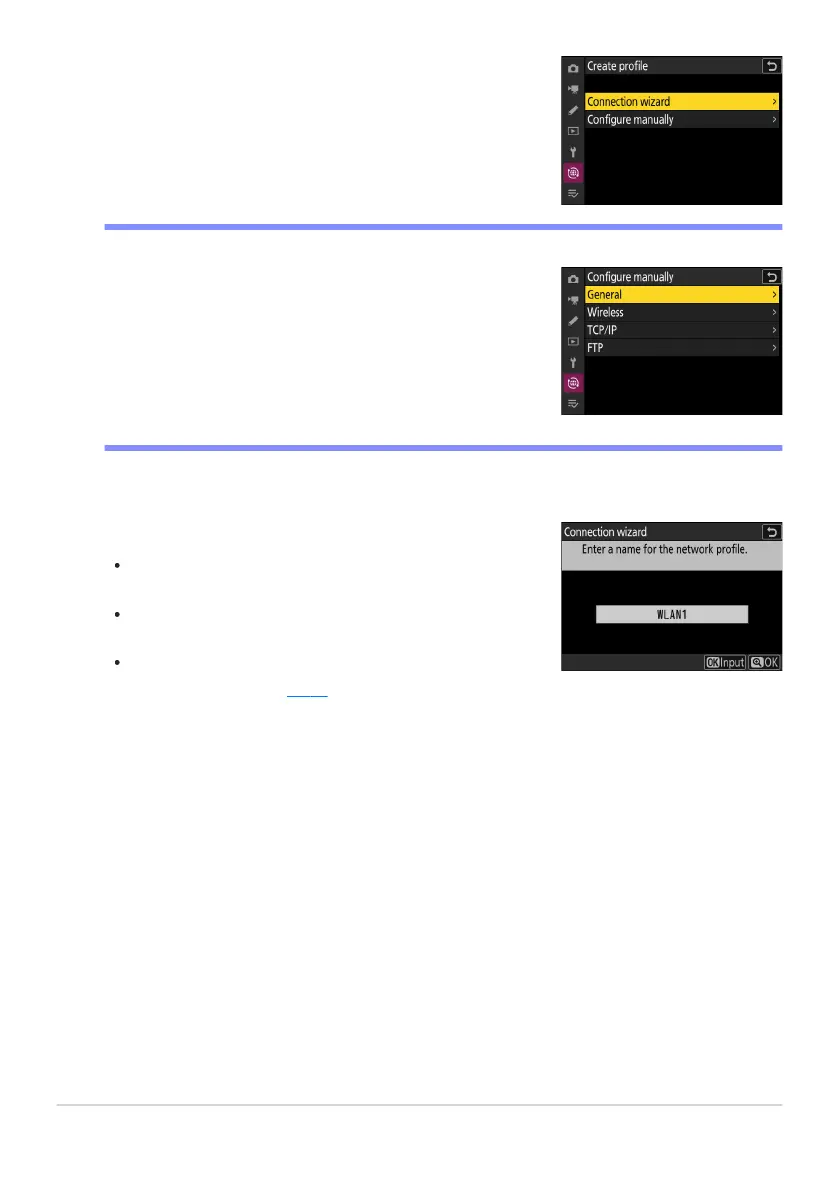
Highlight [Connection wizard] and press 2.
The connection wizard will launch.
Choose [Configure manually] t
o configure settings manually.
Name the new profile.
To pr
oceed to the next step without changing the default
name, press X.
Whatever name you choose will appear in the network
menu [Connect to FTP server]> [Network settings] list.
To rename the profile, press J. For information on text
entry, see “Text Entry” (
0 67). Press X t
o proceed after
entering a name.
D Manual Configuration
342
FTP Servers: Connecting via Wireless LAN
3
4



 To Next Page