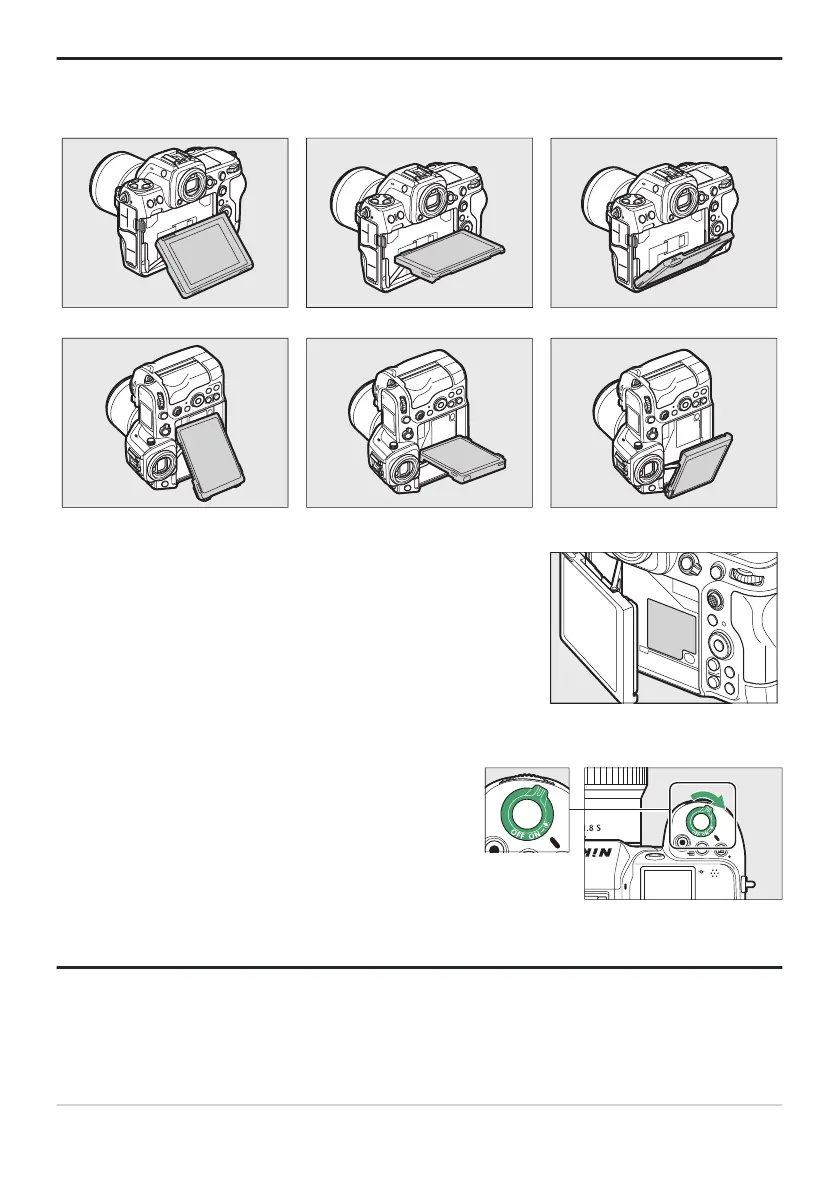
The serial number for this product can be found by opening the
monitor
.
Rotating the power switch to D activ
at
es the backlights
for the buttons and control panels (LCD illuminator). The
backlights will remain lit for a few seconds after the power
switch is released. The backlights turn off when the switch
is rotated to D a second time or the shutter-release button
is pressed halfway. Activating the button backlight makes
the camera easier to use in the dark.
Tip: Notes on the Monitor
The angle of the monit
or can be adjusted.
Tip: Product Serial Number
Tip: The LCD Illuminator
40
Camera Body



 To Next Page