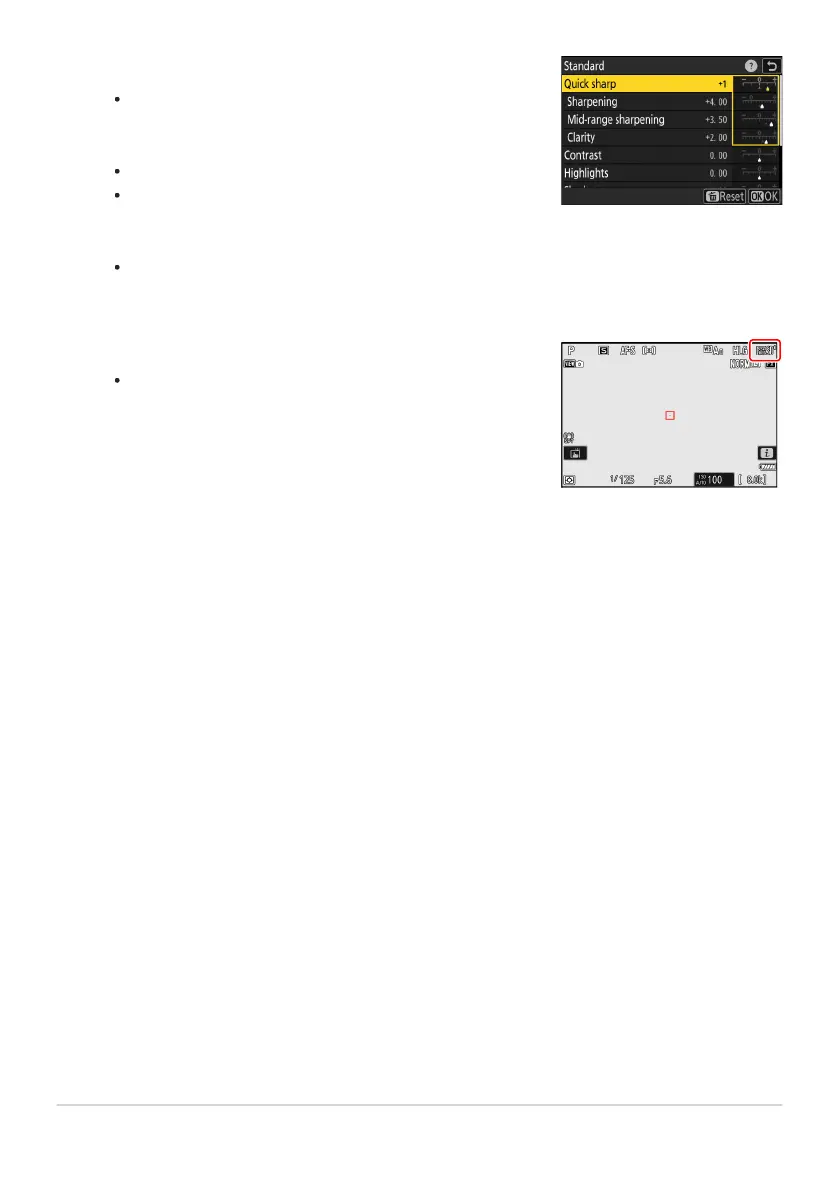
Adjust settings.
Press
1 or 3 to highlight settings. Press 4 or 2 to choose a
value in increments of 1, or rotate the sub-command dial to
choose a value in increments of 0.25.
The options available vary with the Picture Control selected.
To quickly adjust levels for balanced [Sharpening], [Mid-
range sharpening], and [Clarity], highlight [Quick sharp]
and press 4 or 2.
To abandon any changes and start over from default
settings, press the O (Q) button.
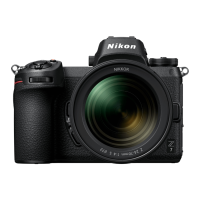
Save changes and exit.
Press
J to save changes. Picture Controls that have been
modified from default settings are indicated by an asterisk
(“U”).
443
Set Picture Control (HLG)
3
4


 To Next Page