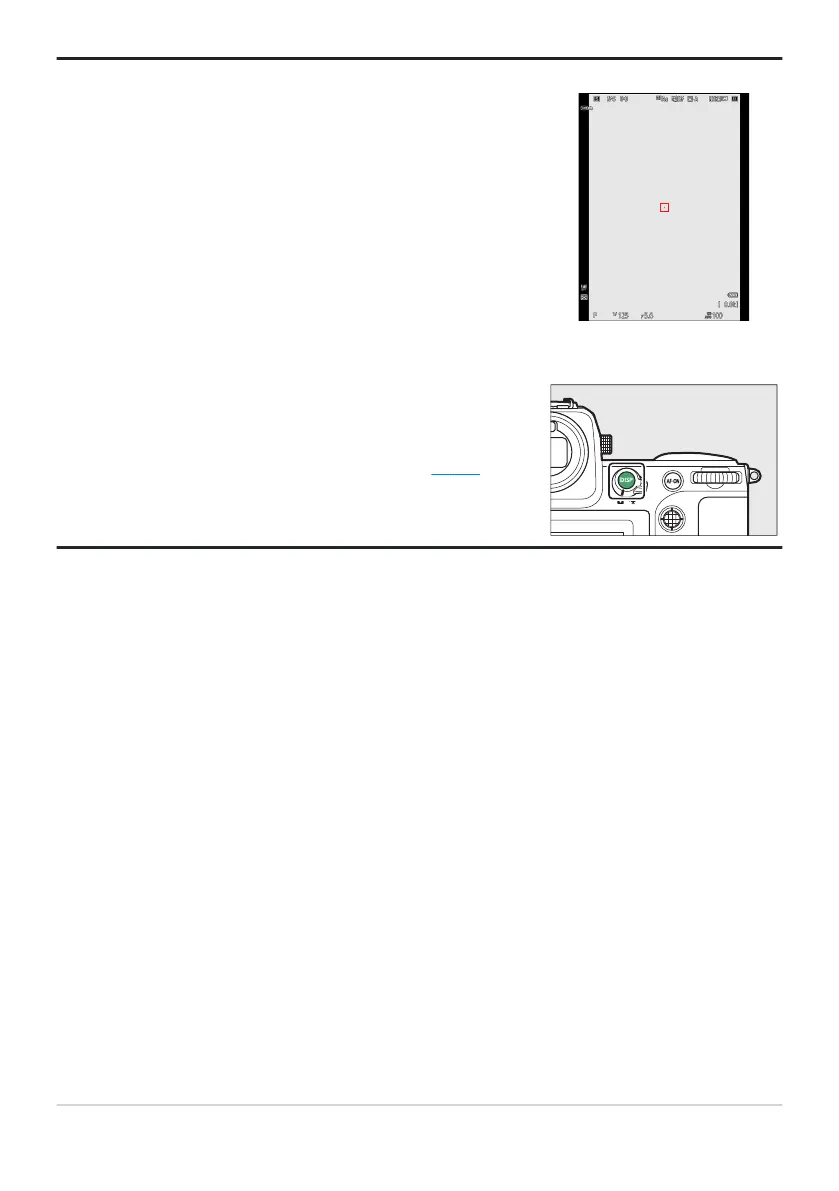
In photo mode, the playback, i menu, and shooting displays rotat
e
to match camera orientation.
Press the DISP button t
o cycle the shooting display. Choose from
up to four displays, each with a customizable selection of icons
and indicators. The items displayed can be selected using Custom
Setting d18 [Custom viewfinder shooting display] (
0 609).
Tip: Using the Viewfinder with the Camera in “Tall” Orientation
Tip: Choosing a Display
48
The Viewfinder



 To Next Page