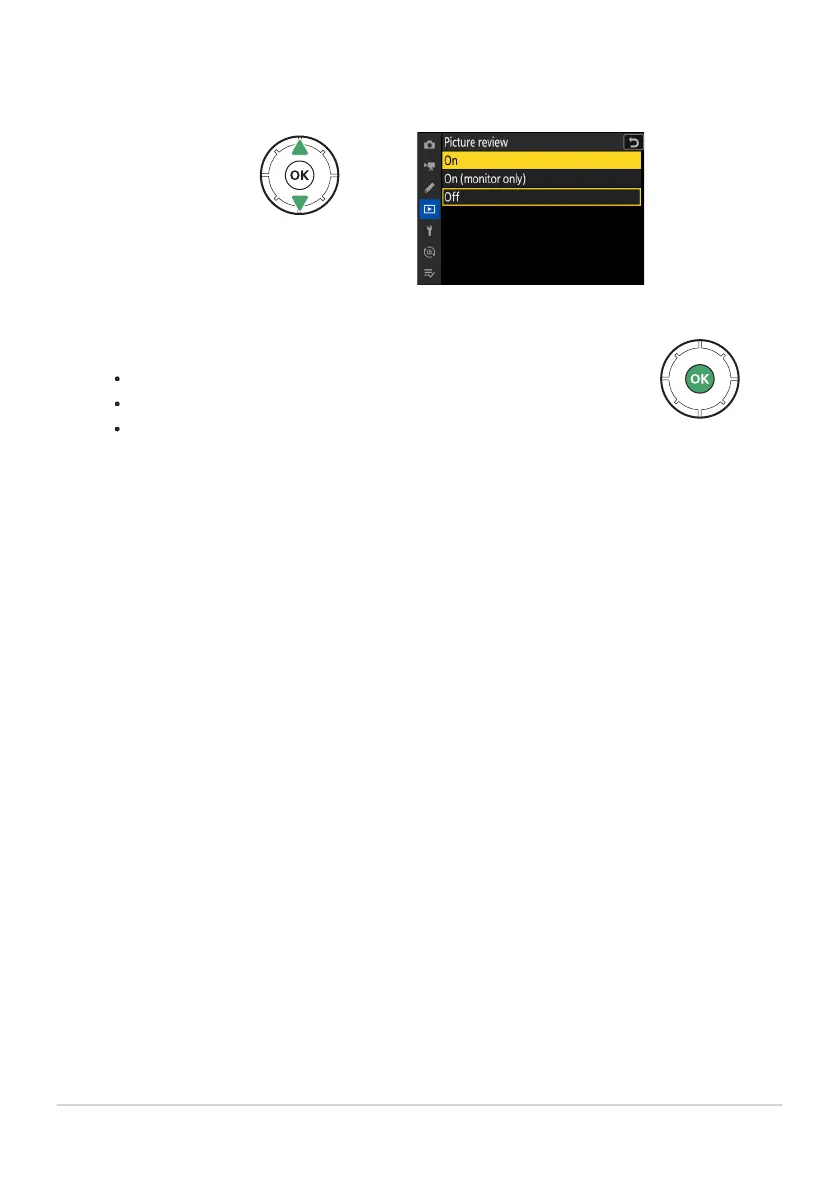
Select the highlighted option.
Press
J to save changes and exit.
To exit without making a selection, press the G button.
To exit the menus and return to shooting mode, press the shutter-
release button halfway.
Highlight an option.
Press
1 or 3 to highlight an option.
65
The MENU Button
6
7



 To Next Page