Basic Functions
ã1999 Nokia Mobile Phones. All Rights Reserved. 23
Do as when making a call during a call but select this time
the Answer option. In a call list, a waiting call is indicated
with .
Listening to voice messages
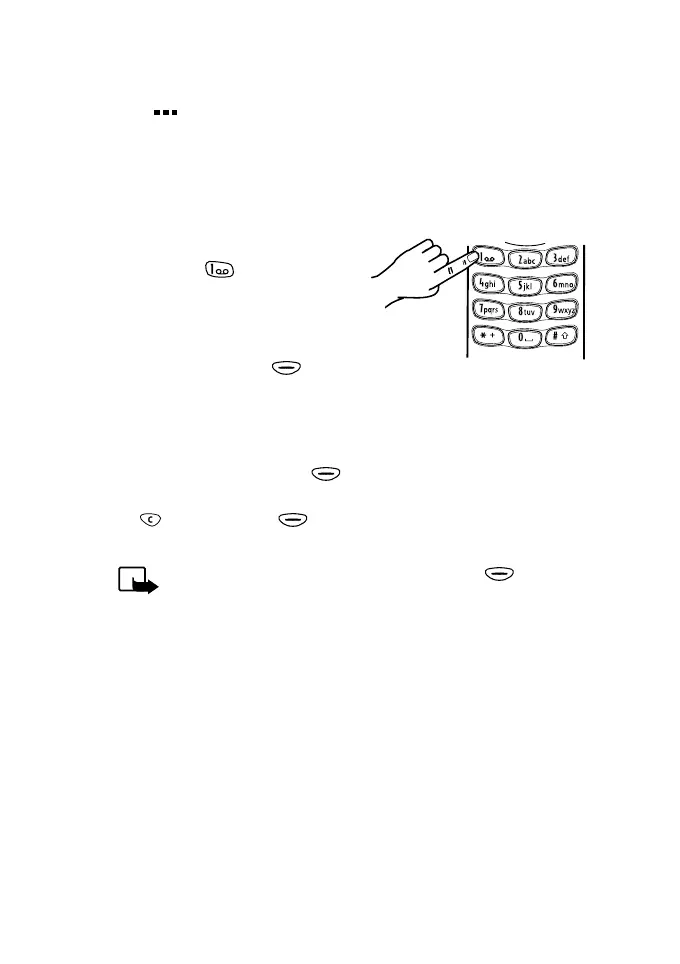
To listen to your voice messages:
1. With the display clear, press
and hold for a second to
call your voice mailbox.
If the phone asks for the
number of the voice mailbox,
key it in and press (OK).
See also ‘Voice mailbox
number (Menu 2-6)’ on page 45.
2. Listen to the message(s) received.
3. End the call by pressing (End). If you have keyed in any
characters on the display, first remove the characters by using
and then press (End).
Note: If the text Listen is shown above the key, you
can call your voice mailbox by pressing this key.



 To Next Page