Installation procedure
78
Nokia FastMile Outdoor Unit User Manual
3TG-00088-AAAA-TCZZA Issue: 01P03
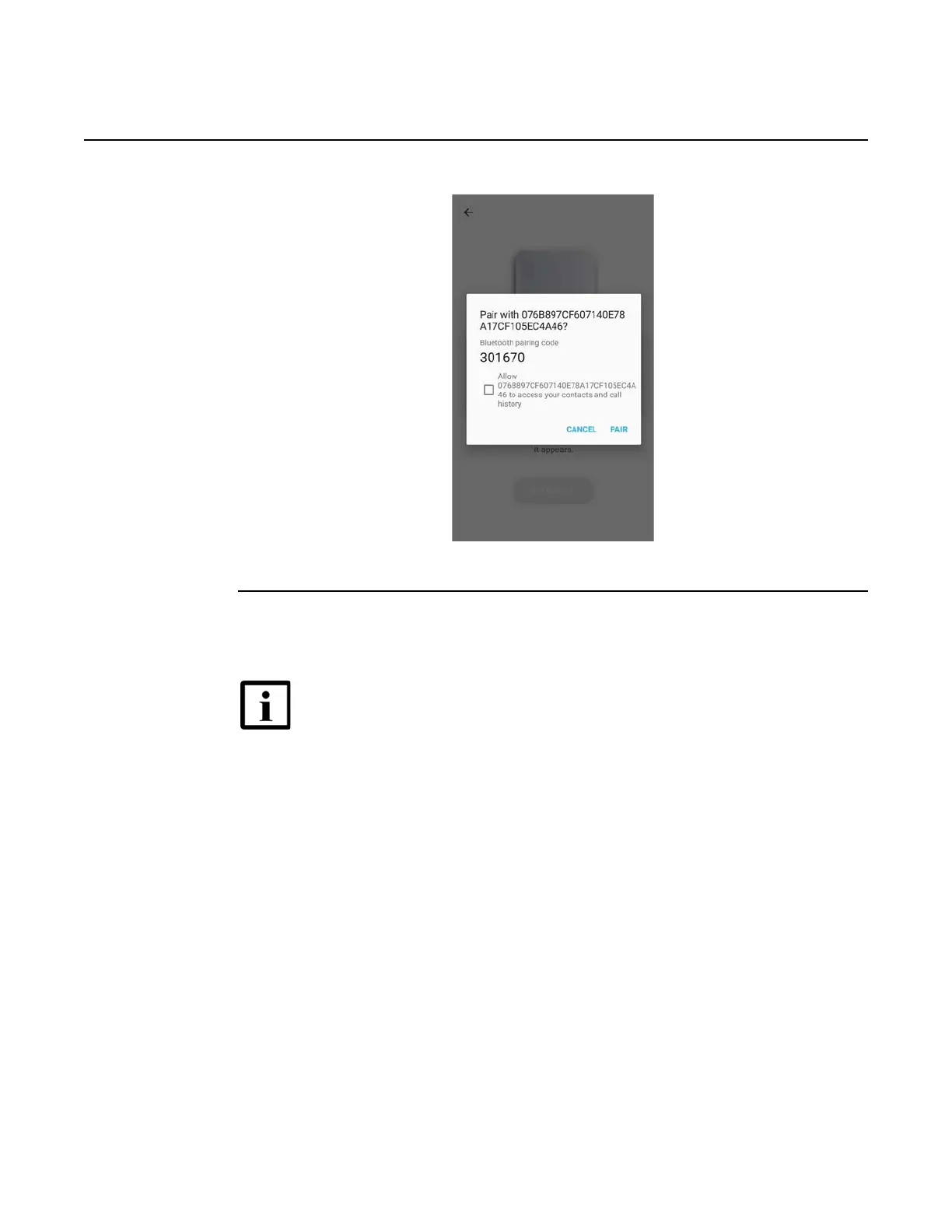
Figure 42 Screen showing the Bluetooth pairing request
6 The Nokia Field Assistant app prompts you to enable the VPN profile.
Enable the VPN profile by tapping on “Connect”.
Figure 26 shows the screen for enabling the VPN profile.
Note — Any preexisting VPN connection on the mobile phone will be
deactivated when you enable the VPN profile.





 To Next Page