Barnes & Noble NOOK User Guide 29
Reading Tools: Contents
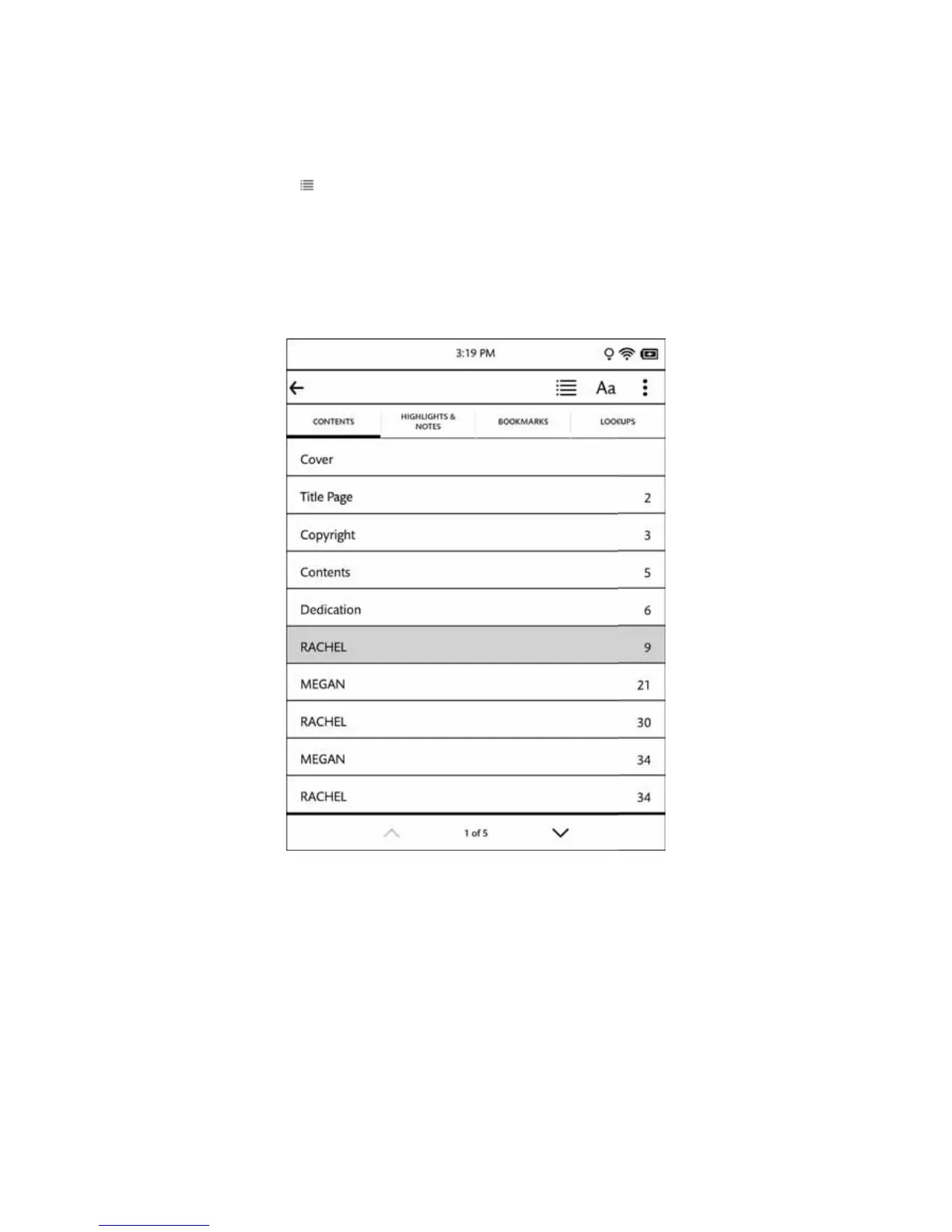
Tap on the Contents icon ( ) in the Reading Tools to open a window with four tabs:
• Contents- a Table of Contents listing chapters or sections
• Highlights & otes - a list of highlights and notes throughout the book
• Bookmarks - a list of all the bookmarks you have set
• Lookups - a list of all the words you have looked up in this book or in all your books
Tap on any title, highlighted passage summary, or bookmark on these tabs to jump to that location in the book.
The Contents tool.
When the Contents tool opens, it displays the Contents tab, which lists all the chapters in the book. If the list of
chapters runs longer than one screen, you can tap the arrows at the bottom of the screen to scroll down and up
through the list.
Tapping on any chapter number or title closes the dialog box and moves you to the beginning of that chapter in the
book.



 To Next Page