Barnes & Noble NOOK User Guide 35
Jumping to Another Page
To move to another page by entering its page number, do this:
1. Tap in the center of the page to open the Reading Tools.
2. Tap the More icon (
).
3. Tap the Jump to Page menu choice..
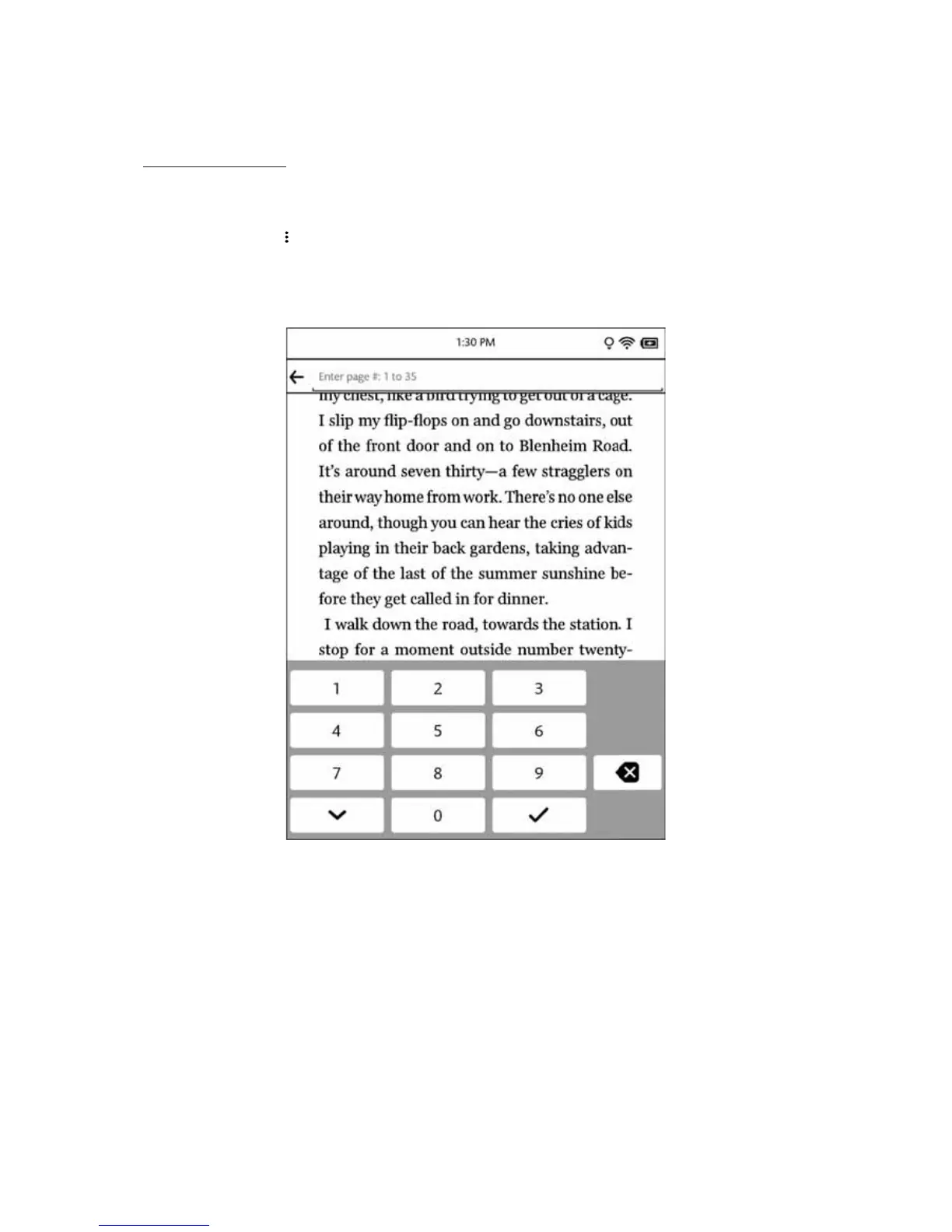
Your NOOK opens a page-number dialog box with a numerical keyboard.
4. Type the number of the page you want to move to. Then tap the checkmark button.
The page-number dialog box.
Once you have moved to the new page, your NOOK automatically closes the page-number dialog box.



 To Next Page