36 Barnes & Noble NOOK User Guide
Finding a Word or Phrase in a Book
Tap on the find icon in the Reading Tools to search for a word or phrase in the book you’re reading.
To search for a word or phrase in the book you are reading, do this:
1. Tap in the center of the page to open the Reading Tools.
2. Tap the More icon (
).
3. Tap the Find in Book menu choice.
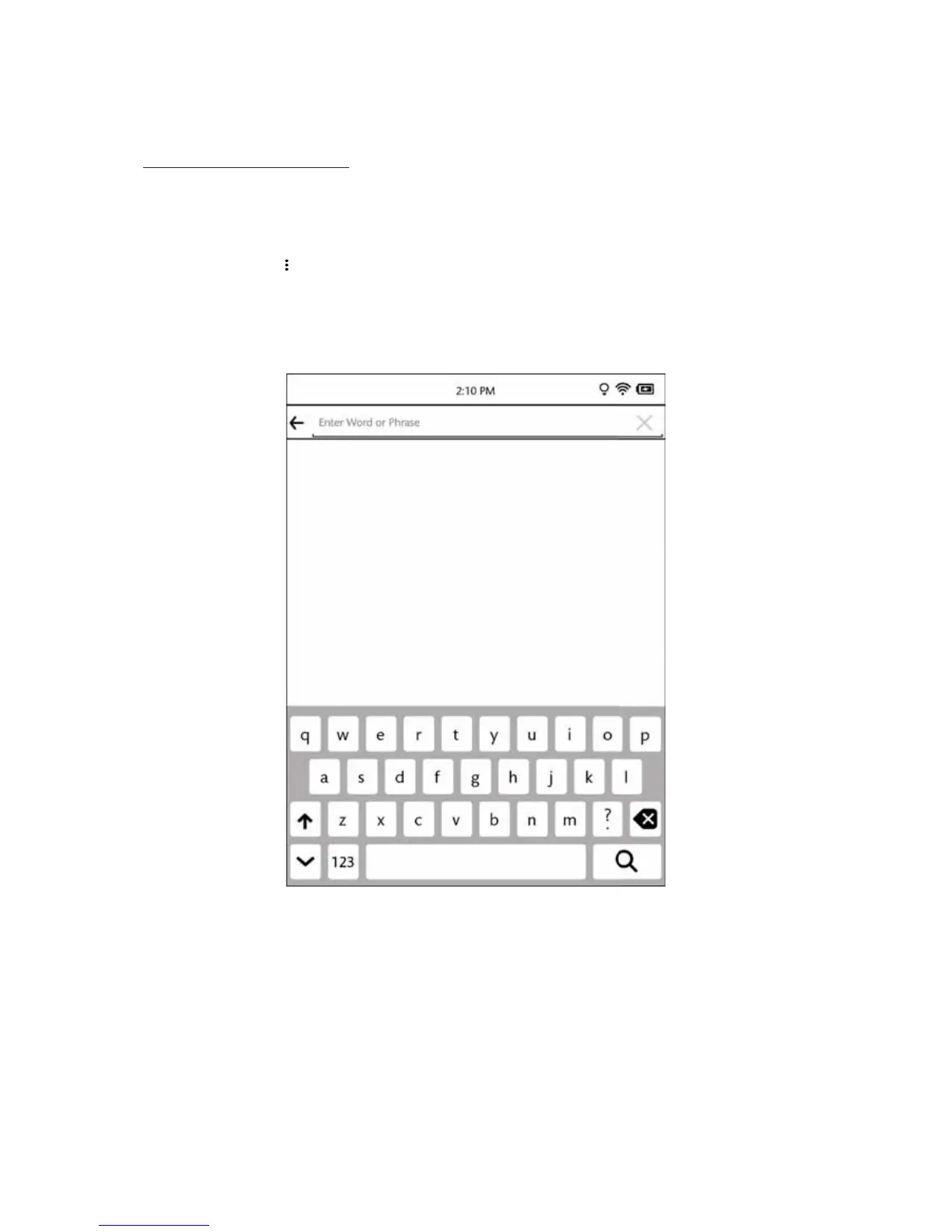
A keyboard appears on the screen. (See the image below.)
4. Type the word or phrase you want to find. Then tap the search button in the lower right corner of the keyboard.
(This button shows a magnifying glass.)
The Find screen.
If the word or phrase you searched for appears in the book, your NOOK displays a list of page numbers and pas-
sages. To jump to a passage, tap on it.



 To Next Page