38 Barnes & Noble NOOK User Guide
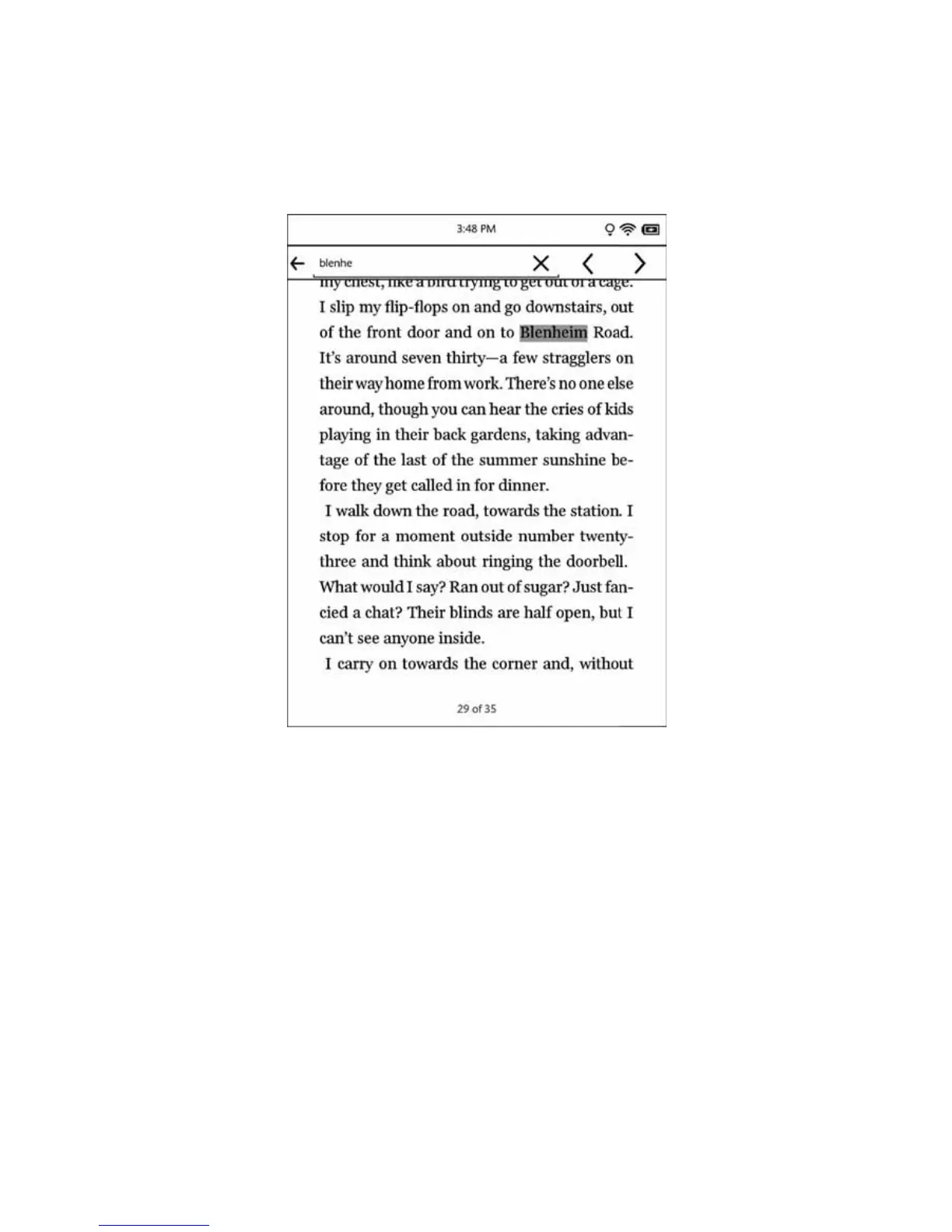
If the word or phrase you searched for appears more than once in the book, your NOOK displays a search naviga-
tion tool at the top of the screen when you jump to the location of a search result. This toolbar includes a forward
arrow and a backward arrow for moving from one appearance of the word or phrase to another.
Viewing a search result and using the mini toolbar.
To jump to the next appearance of this search term in the book, tap the right arrow
To jump back to the previous appearance of the search term, tap the left arrow.
To start a search for a dierent word or phrase, tap in the text field. Your NOOK opens a new search screen. Type
the word or phrase you want to search for and tap find.
To close the mini toolbar, tap the X symbol in the raised tab by the upper right corner of the toolbar.



 To Next Page