Barnes & Noble NOOK User Guide 39
Reading Tools: View Details
To view details about the book you are reading, do this:
1. Tap in the center of the page to open the Reading Tools.
2. Tap the More icon (
) in the upper right corner of the screen.
3. In the pull-down menu, tap View Details.
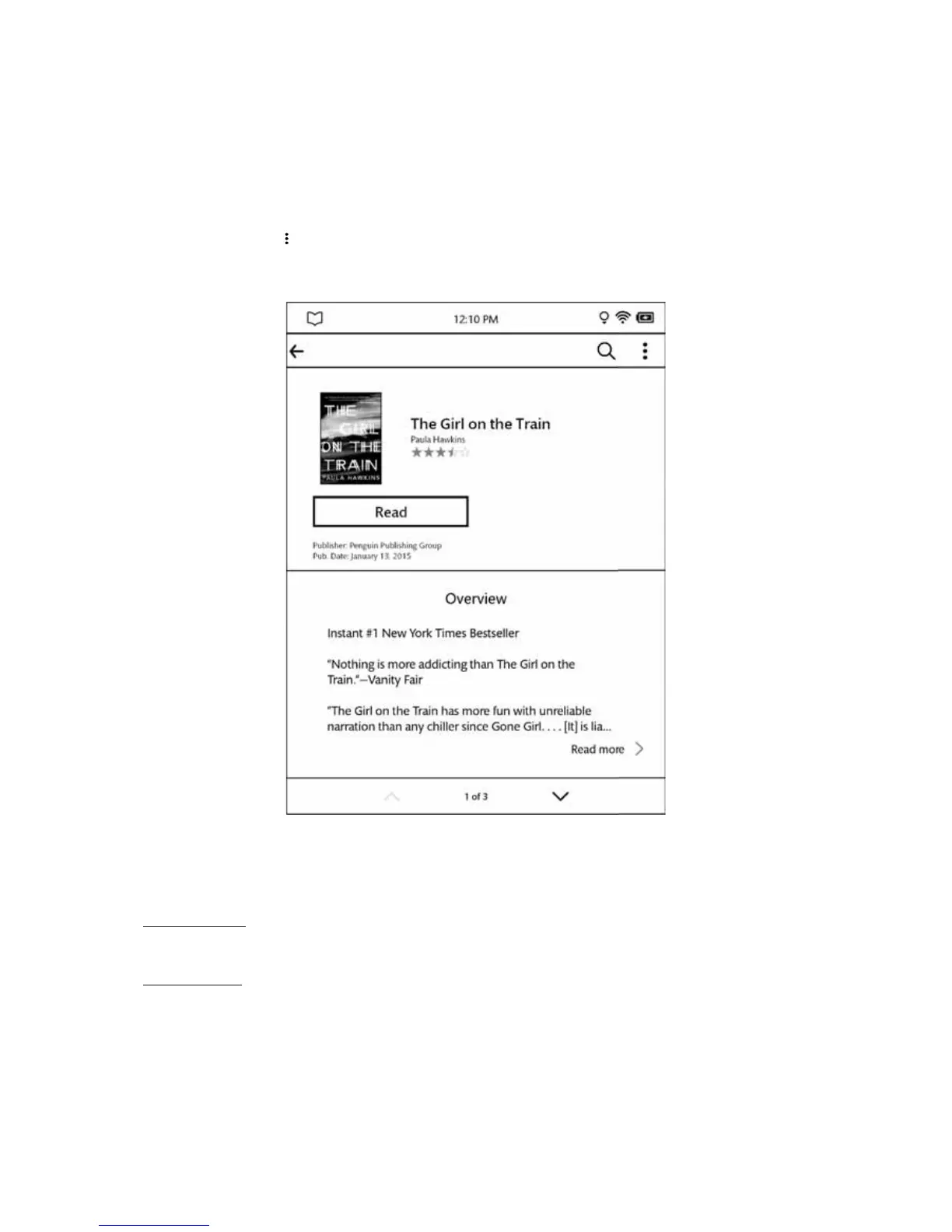
Your NOOK displays a Details page for the book.
The More screen.
The Details screen presents details about the book you are reading. Use the up and down arrows at the bottom of
the screen to scroll to view recommendations for similar books and to read editorial reviews.
Reading the Book
To return to reading the book, tap the Read button.
Sharing the Book
Tap the Share button to share your impressions about the book with friends through Facebook.



 To Next Page