148 / Feature Operations
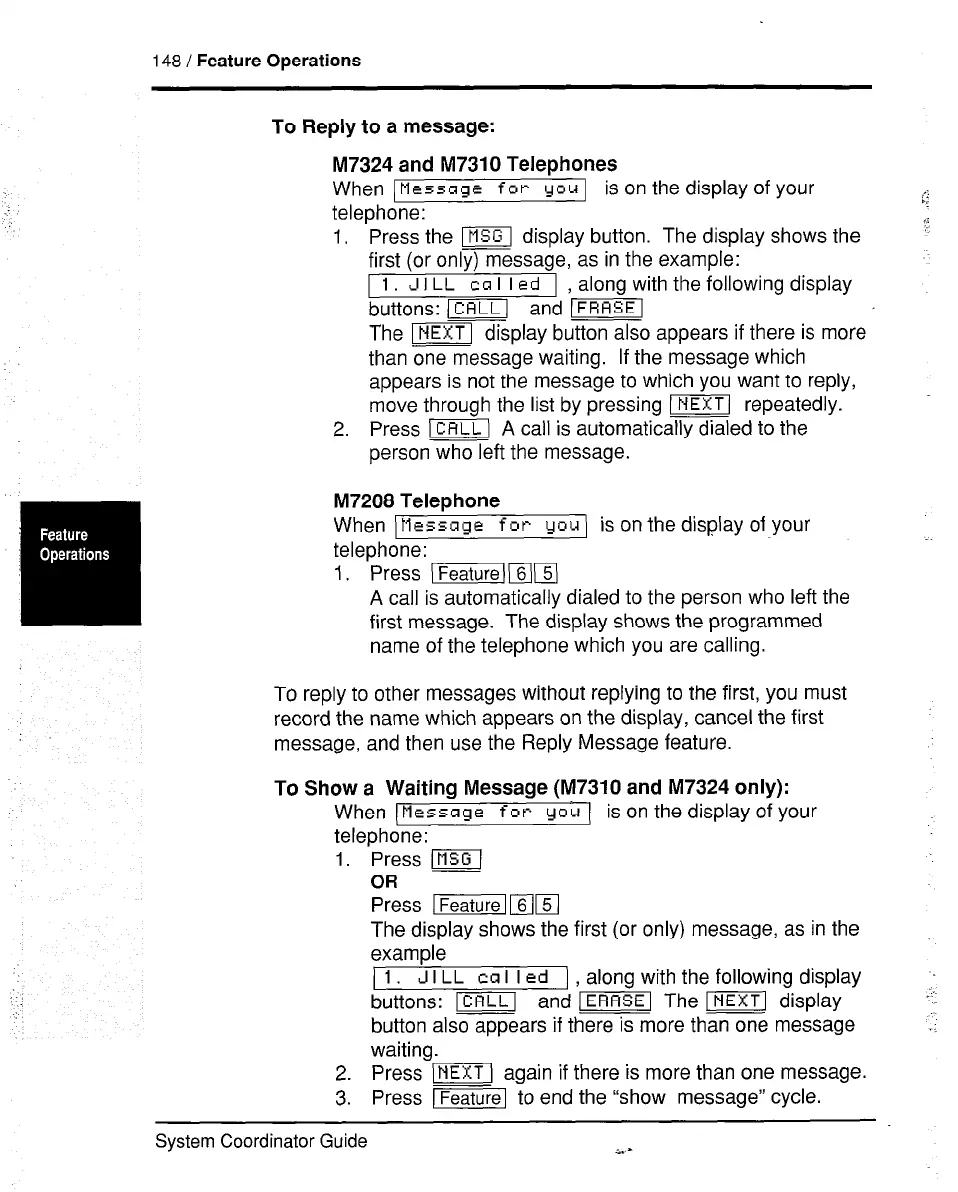
To Reply to a message:
M7324 and M7310 Telephones
When 1
Message for
you 1 is on the display of your
telephone:
,‘:
.<
1. Press the m display button. The display shows the :i
first (or only) message, as in the example:
1
1 J
I
LL
ca I I
ed
1 along with the following display
buttons: (CALL/ and ‘-1
The ml display button also appears if there is more
than one message waiting. If the message which
appears is not the message to which you want to reply,
move through the list by pressing INEXT( repeatedly.
2. Press )CRLLj A call is automatically dialed to the
person who left the message.
M7208 Telephone
When
tIessage for
you is on the display of your
telephone:
1. Press )Featurel)5)
A call is automatically dialed to the person who left the
first message. The display shows the programmed
name of the telephone which you are calling.
:
To reply to other messages without replying to the first, you must
record the name which appears on the display, cancel the first
message, and then use the Reply Message feature.
To Show a Waiting Message (M7310 and M7324 only):
When (Message
for
you ( is on the display of your
telephone:
1. Press m]
OR
Press Ifeaturelmm
The display shows the first (or only) message, as in the
example
)
1
J I
LL
ca I I
ed
) along with the following display
buttons: -1 and ‘m The m display C
button also appears if there is more than one message
-1
waiting.
2. Press w\ again if there is more than one message.
3. Press JFeaturel to end the “show message” cycle.
System Coordinator Guide
a._



 To Next Page